Looking for the best email list cleaning service? We’ve compared the top options of 2025 by features, accuracy, and cost to help you boost deliverability and engagement.
What is an Email List Cleaning Service?
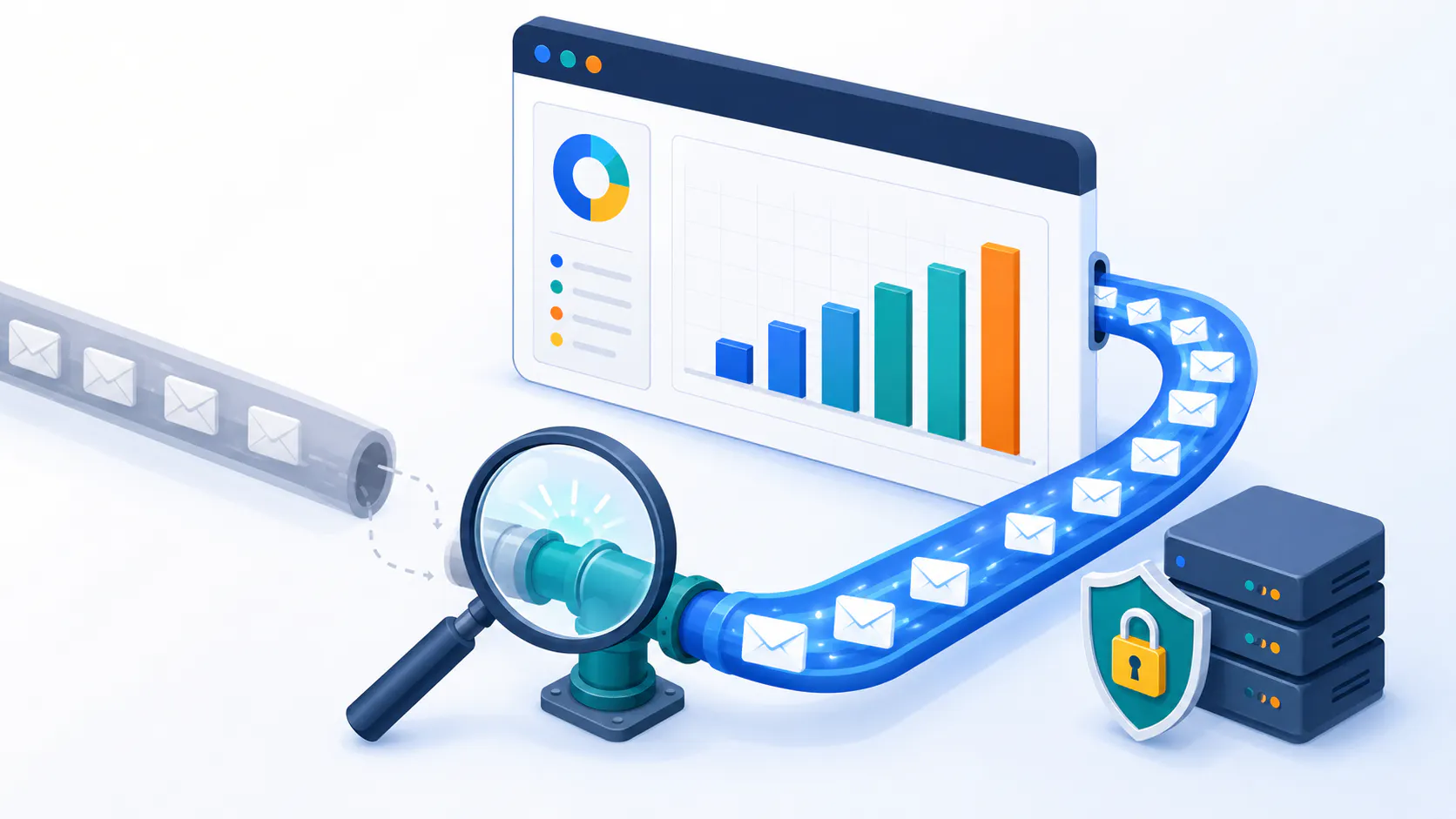
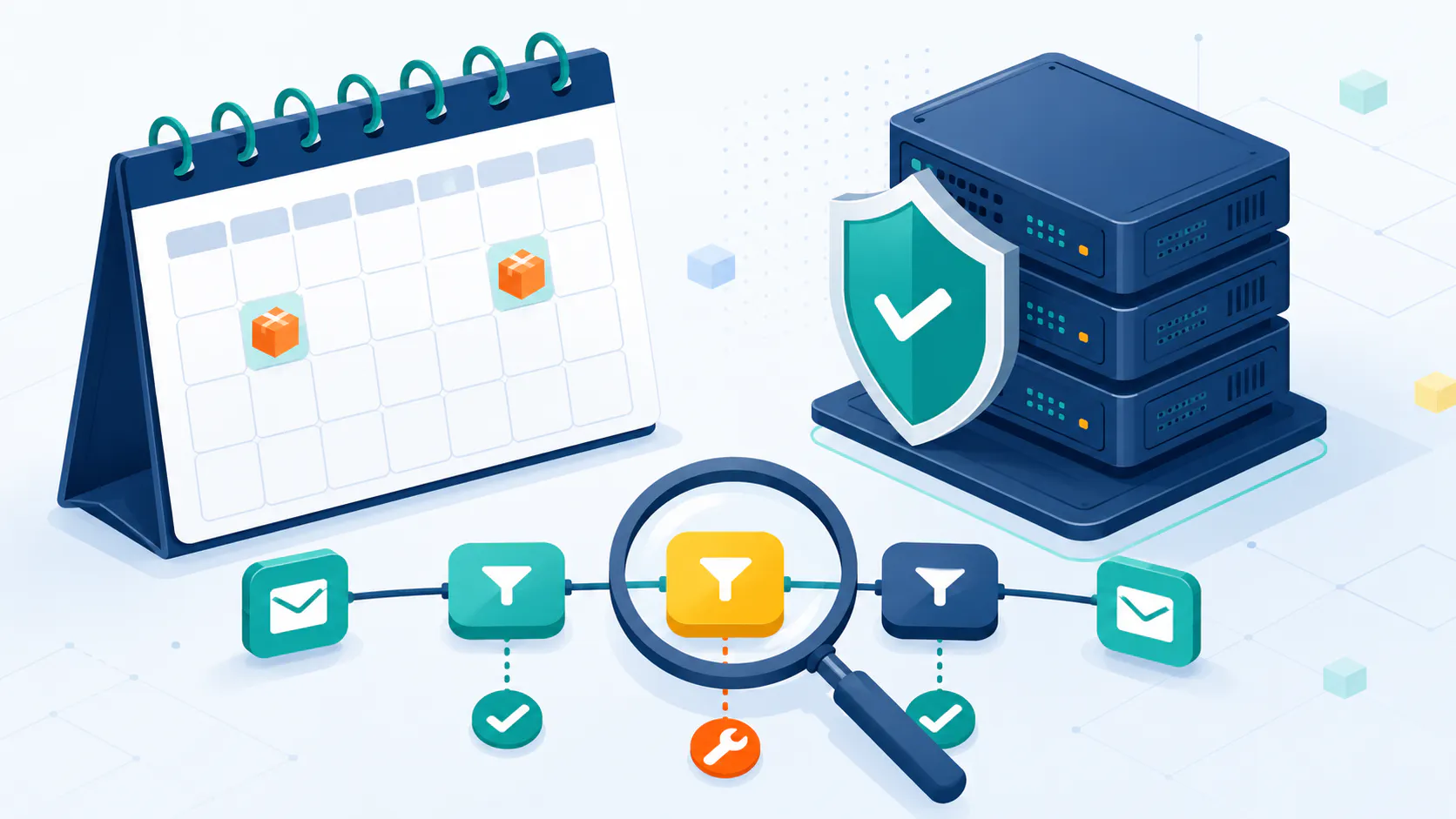
An illustration depicting the concept of an email list cleaning service.
A clean email list means more emails delivered, higher open rates, and better conversions—all while saving money by avoiding wasted sends. An email list cleaning service removes invalid addresses, spam traps, and inactive subscribers, reducing bounces and protecting your sender reputation. By ensuring your emails reach real, engaged recipients, you’ll boost engagement and maximize your marketing ROI.
Regularly cleaning your email list, such as monthly or quarterly, helps maintain accuracy and keeps deliverability rates high. Targeting only engaged subscribers ensures a higher ROI on your email campaigns, making your efforts more efficient and effective, ultimately improving your inbox placement.
Here are the recommended services that we’ll explore, each one standing out for a different feature. Which one to pick? Depends on what factor is the most important to you. Let’s take a closer look at what each service has to offer.
Best for Comprehensive Features: ZeroBounce
Best for Real-Time Verification: NeverBounce
Best for Budget-Conscious Users: Bounceless
Best for Simple Interface: Cleanify.io
Best for Sales Teams: Clearout
Best for Detailed Reporting: Emailable
Best for Deliverability Tools: Kickbox
Best for Advanced Features: MailerCheck
Best for Flexible Validation Levels: Verifalia
Best for Fast Processing: EmailListVerify
ZeroBounce – Best for Comprehensive Features
ZeroBounce’s homepage.
ZeroBounce is a robust email verification platform that offers comprehensive features to ensure high deliverability rates. It includes real-time verification, bulk cleaning, and advanced tools like duplicate removal and list segmentation. This makes it ideal for businesses looking to maintain a clean database without sacrificing efficiency.
Key Strengths: High accuracy in detecting invalid emails, comprehensive reporting that helps identify issues within the list (such as spam traps or disposable emails), and seamless integration with major Email Service Providers (ESPs).
User Reviews: Users appreciate its effectiveness in improving email deliverability but note occasional issues with customer support response times. Many praise the detailed analytics provided by ZeroBounce which help them refine their marketing strategies.
Pros & Cons:
Pros: Advanced features for detailed analysis and high accuracy; supports both real-time API validation and bulk uploads.
Cons: Some users report slower processing times for large lists compared to competitors focused solely on speed.
Price:
Pay-As-You-Go option starts at $20 for 2,000 emails (approximately $10 per 1,000). The monthly Subscription starts at $18 for 2,000 emails (approximately $9 per 1,000).
NeverBounce – Best for Real-Time Verification
ZeroBounce’s homepage
Description: NeverBounce specializes in real-time email verification to ensure accurate contact information at the point of capture. It also supports bulk verification with easy API integrations that can be integrated into web forms or sign-up processes.
Key Strengths: User-friendly interface that simplifies setup even for non-technical users; high verification accuracy; fast processing times which are crucial during live events or when validating new subscribers immediately upon registration.
User Reviews: Users praise its ease of use but mention occasional issues with customer support responsiveness. The platform’s ability to quickly validate emails has helped many businesses reduce bounce rates significantly.
Pros & Cons:
Pros: Fast real-time verification helps maintain a healthy sender reputation by preventing invalid addresses from entering your database.
Cons: Limited deliverability support beyond basic verification; some users report data privacy concerns due to how they handle sensitive information during validation processes.
Price:
Pay-As-You-Go starts at $0.008 per email (approximately $8 per 1,000). Monthly Subscription starts at $10 per month for up to 1,000 emails.
Bounceless – Best for Budget-Conscious Users
Homepage of Bounceless
Bounceless is a simple email verification tool for budget users. It has affordable pricing without sacrificing accuracy. It comes with a drag-and-drop feature that lets you import your contacts easily. You can also connect it to all the email marketing tools you might be using. Bounceless has reliable verification with 99% accuracy and also has a blacklist monitoring feature.
Key Strengths: This tool is very easy to use and it can handle the verification quickly and accurately for a great prize.
User Reviews: Many users praise Bounceless for its speed in verifying email lists and while many users find Bounceless accurate, some have reported instances of inaccurate results, with some valid emails being flagged as invalid. The platform is generally considered user-friendly, with an intuitive interface but some users have expressed concerns about the responsiveness of customer support.
Pros & Cons:
Pros: Quick and ost-effective solutions allow smaller organizations access to necessary tools without breaking the bank.
Cons: Customer support might delay in replying and free trial offered by Bounceless has been criticized for being too limited, not allowing users to fully explore the platform’s features before committing to a paid plan.
Price:
Pay-As-You-Go option comes to approximately $0.01 per email, or $5 for 500 verifications. Monthly Subscriptions start at $39 for 10,000 credits (approximately $3.90 per 1,000).
Cleanify.io – Best for Simple Interface
Cleanify.io’s homepage
Cleanify.io prioritizes simplicity and ease of use. Its clean and intuitive interface makes it a good choice for users who want a straightforward email verification tool without a lot of bells and whistles. It’s designed to be user-friendly, even for those who are not tech-savvy.
Key Strengths: Extremely easy to use, clean and intuitive interface, fast processing.
User Reviews: Cleanify.io receives positive feedback for its simplicity and speed. Users appreciate how easy it is to get started and clean their email lists.
Pros & Cons:
Pros: Very simple and intuitive, fast processing, good for beginners or those who prefer a minimalist approach.
Cons: Lacks the advanced features offered by more comprehensive platforms. Might not be suitable for users with complex needs or very large lists.
Price:
Charges $5.50 per 2,500 email verifications. Approximately $0.002 per email verification for smaller quantities.
Clearout – Best for Sales Teams
Clearout’s homepage
Clearout is specifically designed with the needs of sales teams in mind. Beyond email verification, it offers features like lead finder (helping you find potential leads) and email enrichment (adding more data to your existing leads, such as job title, company, and social media profiles). This makes it a valuable tool for sales prospecting and outreach.
Key Strengths: Sales-focused features, email enrichment capabilities, helps improve lead quality.
User Reviews: Clearout generally receives positive reviews from sales professionals who appreciate the added functionality beyond basic email verification.
Pros & Cons:
Pros: Tailored for sales teams, provides valuable lead data, improves sales outreach effectiveness.
Cons: Might be more expensive than basic verification tools, the lead finder feature might require additional subscription costs.
Price:
Starting at $6 for 500 email verifications. That’s 1,2 cents for each verification.
Emailable – Best for Detailed Reporting
Emailable’s homepage
Emailable excels in providing detailed reports on email deliverability. It gives you deep insights into the health of your email list, identifying potential issues like spam traps, risky addresses, and inactive users. This allows you to make informed decisions about your email marketing strategy.
Key Strengths: In-depth reporting and analytics, excellent deliverability tools, helps optimize email campaigns.
User Reviews: Users appreciate the comprehensive reports provided by Emailable, which offer actionable insights for improving email deliverability.
Pros & Cons:
Pros: Provides detailed insights, helps improve email campaign performance, strong deliverability focus.
Cons: The depth of reporting can be overwhelming for some users, might have a steeper learning curve.
Price:
$38 for 5,000 credits, $141 for 25,000 credits
Kickbox – Best for Deliverability Tools
Homepage of Kickbox
Kickbox focuses heavily on improving email deliverability. It offers robust tools like spam trap detection, deliverability scoring, and real-time verification. Their goal is to help you maximize the chances of your emails reaching the inbox and avoid spam filters. Kickbox integrates smoothly with popular marketing tools, adding to its versatility.
Key Strengths: Strong focus on deliverability, excellent spam trap detection, real-time verification.
User Reviews: Kickbox receives positive feedback for its effectiveness in improving email deliverability and reducing bounce rates.
Pros & Cons:
Pros: Significantly improves deliverability, identifies and removes spam traps, protects sender reputation.
Cons: Might be more expensive than basic verification services, some users might find the interface less intuitive than others.
Price:
$10 for 1,000 verifications, $200 for 25,000 verifications
MailerCheck – Best for Advanced Features
MailerCheck’s homepage
MailerCheck is designed for users who require advanced features and in-depth email analysis. It offers a wide range of checks, including syntax checks, domain health checks, email scoring, and more. It’s a good choice for larger businesses and marketers who need granular control over their email verification process.
Key Strengths: Comprehensive set of advanced features, detailed email analysis, provides granular control.
User Reviews: MailerCheck is well-regarded by users who need its advanced capabilities.
Pros & Cons:
Pros: Offers many advanced features, provides in-depth analysis, highly customizable.
Cons: Can be more complex to use than simpler tools, might be overkill for users with basic needs, pricing can be higher.
Price:
$10 for 1,000 credits, $175 for 25,000 credits.
Verifalia – Best for Flexible Validation Levels
Verifalia’s homepage
Verifalia stands out for its flexible validation levels. It allows you to customize the stringency of your email verification, giving you fine-grained control over the process. This is useful for users who have specific requirements or need to balance accuracy with other factors.
Key Strengths: Highly flexible validation levels, gives users granular control, good accuracy.
User Reviews: Users appreciate the flexibility and control offered by Verifalia.
Pros & Cons:
Pros: Customizable validation, good accuracy, allows for fine-tuning the verification process.
Cons: Can be more complex for users who simply want basic verification, might require more technical knowledge.
Price:
$7.90 for 1,000 verifications and $119 for 25,000 verifications.
EmailListVerify – Best for Fast Processing
EmailListVerify’s homepage
EmailListVerify is optimized for speed. It’s designed to process large email lists quickly and efficiently, making it a good choice for users who need to clean massive lists in a short amount of time. They emphasize speed without compromising accuracy.
Key Strengths: Very fast processing speeds, excellent for large lists, good balance of speed and accuracy.
User Reviews: Users consistently praise EmailListVerify for its speed and efficiency, especially when dealing with large volumes of emails.
Pros & Cons:
Pros: Extremely fast, ideal for large lists, affordable pricing.
Cons: Might not have as many advanced features as some competitors, customer support can be inconsistent.
Price:
$4 for 1,000 credits and $49 for 25,000 verification credits.
How to Choose the Best Email List Cleaning Service
Here are the things to consider when choosing an email list cleaning solution. Choose a service that can handle your email list size, whether it’s a few thousand or millions. Look for tiered pricing based on list size to manage costs and make sure the service can grow with your business as your list grows.
Integration with popular email platforms like Sendloop or Octeth is key. Seamless integration automates the process and saves time and manual effort. What level of customer support do they offer? Live chat, email or phone support is important when you need help or have questions about the cleaning reports.
Look for services with robust verification tools for hard bounces, email traps, disposable email addresses and inactive users. It’s crucial to avoid spam folders to ensure your emails reach the inbox and improve deliverability. Good services will provide detailed reports on why specific emails were removed, including spam complaints. These reports should show how many emails were cleaned, reasons for removals and list health insights so you can measure the success of your list cleaning.
How fast is the service? If you need to clean large lists quickly look at the turnaround time and choose a service that meets your urgency, minutes, hours or days.
Make sure the email service provider complies with data protection regulations like GDPR, CAN-SPAM and other privacy laws. Look for services that use encryption protocols, secure data storage and clear privacy policies.
Common Email List Cleaning Mistakes to Avoid
Common email list cleaning mistakes to avoid include:
Not verifying email addresses regularly: Regular verification is crucial to maintain list accuracy.
Not removing duplicates: Duplicate emails can skew your metrics and waste resources.
Not removing invalid email addresses: Invalid addresses can harm your deliverability and reputation.
Not detecting and removing spam traps: Email traps can lead to blacklisting and damage your sender reputation.
Not using email deliverability tools to improve inbox placement: These tools are essential for ensuring your emails reach the inbox.
Not monitoring email list quality and accuracy: Regular monitoring helps maintain a high-quality list.
Best Practices for Email List Cleaning
Best practices for email list cleaning include:
Verifying email addresses regularly, ideally every 3-6 months: Keeping your list up-to-date and accurate.
Removing duplicates and invalid email addresses: Ensuring each contact is unique and valid.
Detecting and removing email traps: Protecting your sender reputation.
Using deliverability tools to improve inbox placement: Ensuring your emails reach the intended recipients.
Monitoring email list quality and accuracy: Regularly checking your list to maintain its quality.
Using a reputable email list cleaning solution to ensure accuracy and effectiveness: Choosing a reliable service to keep your list clean and effective.
For more Email List Hygiene tips, continue reading here.
Octeth’s Directory of Email Validation Services
We know choosing the right email verification service can be overwhelming. That’s why we’ve put together a directory with popular options and a comparison tool to help you find the one that’s right for you. Whether you’re looking for accuracy, cost or specific features this tool makes it easy to compare your options. Check it out here – we’re sure it’ll take the hassle out of your decision making and have you finding the perfect solution in no time!
Conclusion
In short a clean email list is essential for email marketing. By using an email list cleaning solution you can improve email deliverability, engagement rates and overall campaign performance. Services like ZeroBounce, NeverBounce, Bounceless, Cleanify.io, Clearout, Emailable, Kickbox, MailerCheck, Verifalia and EmailListVerify each have their own features and benefits for different needs and budgets.
Choosing the right service depends on many factors, size of your email list, integration, customer support, additional features, compliance with regulations and processing time. By considering these factors carefully you can choose the best email list cleaning solution to boost your email campaigns and get better results. Remember a clean email list is the foundation of e-mail marketing so invest in the right tools to keep your list healthy and engaged.
Frequently Asked Questions
What is the definition of email list cleaning? Email list cleaning is the process of removing invalid, duplicate, or unwanted email addresses from an email list to improve email deliverability, reduce bounce rates, and increase the overall effectiveness of email marketing campaigns. What is the importance of email list cleaning for email marketing? Email list cleaning is crucial for email marketing success. A clean email list ensures that emails are delivered to the intended recipients, reducing the risk of spam complaints, bounce rates, and damage to sender reputation. Why should I use an email list cleaning tool? Using an email list cleaning solution improves your deliverability and engagement rates and is a good investment for better results and a stronger relationship with your audience! How often should I clean my email list using a email verification service? Cleaning your list monthly or quarterly is crucial for accuracy and deliverability. Be proactive and watch your engagement grow! What factors should I consider when choosing an email list cleaning service? When choosing an email list cleaning solution look at list size handling, integration with your email platform and compliance with regulations. Prioritise services with good customer support and additional features for effectiveness and value for your marketing. Are email list cleaning services compliant with data protection regulations? Yes, many email list cleaning solutions are GDPR and CAN-SPAM compliant. Look for services that use encryption, secure storage and clear privacy policies.