Ready to level up your email campaigns? Learn how Stripo’s customizable templates and Octeth’s powerful platform work together to help you create stunning, responsive, and highly converting emails with minimal effort.
Why Stripo? The Power of Free HTML Email Templates
An overview image showcasing various of the free HTML email templates Stripo offers.
Building email can be a time-consuming task. Stripo’s free HTML email templates streamline workflows so you can focus on content while still having an amazing design in your emails. These html email templates will save you time and get you professional-looking emails without the need for coding or design skills. This means faster campaign creation, better branding consistency and higher engagement.
Stripo has a huge library of free email templates and they update them regularly to keep up with the latest trends and design best practices. Are you running a promotion, sending a newsletter or crafting transactional emails? Stripo’s templates provide a professional base that you can edit to fit all of your needs. Plus they are designed with accessibility standards in mind so your emails will reach a wider audience.
For businesses this means faster email creation with high design standards across all communications. Stripo’s templates are GDPR compliant so you can rest assured when sending to European audiences. A/B testing with different templates in Octeth means you can optimise for performance and use the best template for your goals.
How Octeth’s Stripo Integration Transforms Email Creation
The integration of Stripo with Octeth has revolutionized email creation, making it accessible and efficient for all users. A standout feature is the drag and drop feature, allowing users to visually create emails by dragging content blocks into templates. This is great for those without coding skills, simplifying the design process and reducing the need for external developers.
If you’re an advanced user, you can inject custom code into Stripo templates in Octeth and customize every email to your needs. Realtime sync between Stripo and Octeth means any changes made in Stripo are showing in Octeth instantly, streamlining the workflow and keeping everything in sync.
You can save and reuse blocks of content like headers, footers and banners to design once and apply across multiple campaigns including html files. Template version control keeps track of different versions and allows you to revert back, so email design is collaborative.
Access to a Vast Library of Stripo Templates
A screenshot of the Stripo template library in Octeth featuring diverse free email templates.
One of the biggest benefits of Stripo and Octeth integration is access to a huge library of free HTML email templates. Octeth users can browse hundreds of pre-made Stripo templates for various use cases: newsletters, promotions, transactional emails, the important special days and holidays of 2025, and more. All these templates are pre-tested for mobile and desktop. This reduces rendering issues and ensures a smooth experience for recipients.
You can filter the library so you can quickly find professional email templates for specific industries: eCommerce, finance, SaaS, media and more. And with the ability to modify existing templates or start from scratch, you have full flexibility to create emails that match your brand and messaging.
Templates also come with images and assets that you can replace with your own content. Mobile-first approach means emails are optimized for smartphones and tablets, since most of the consumers check their emails on mobile. Hundreds of free responsive email templates, Stripo and Octeth make launching campaigns faster and easier for businesses.
Effortlessly Customize Emails with Octeth’s Drag-and-Drop Editor
Octeth’s drag-and-drop email editor with Stripo’s email template.
Customizing email templates to reflect your brand’s identity has never been easier thanks to Octeth’s drag-and-drop editor. This feature simplifies email design by allowing users to visually construct their emails with ease, adjusting background colors, fonts, and layouts to enhance brand representation. Saving and reusing custom elements like headers and footers ensures consistent styling and branding across all campaigns.
The live preview functionality is another powerful tool that ensures your email designs appear correctly across different devices before sending.
For those who prefer more advanced customization, Octeth’s editor includes an HTML block that allows for the addition of custom HTML code, providing greater flexibility while retaining the benefits of Stripo’s design. This combination of ease of use and advanced customization ensures that email marketers can create visually appealing, responsive emails with minimal effort.
Octeth code editor option for advancer users.
Streamlining Your Workflow: Design, Personalize, and Send with Octeth
The integration of Stripo with Octeth simplifies email design and streamlines the entire email marketing workflow. Octeth gives users full control over the email creation process without needing to juggle multiple tools. Advanced segmentation features enable businesses to target specific audience segments with personalized content, enhancing engagement and conversion rates.
Stripo templates integrate seamlessly into Octeth’s automation workflows, enabling users to set up trigger-based email sequences that respond to user behaviors and actions. This automation support ensures that your emails reach the right audience at the right time, maximizing the impact of your campaigns.
Octeth’s email marketing platform also supports direct ESP integration, eliminating the need for manual export and import of templates. Combined with one-click campaign activation and advanced tracking of key metrics like opens, clicks, and conversions, this feature makes the process fast, intuitive, and highly effective.
Mobile-Optimized and Responsive Email Templates for Every Device
An illustration demonstrating responsive email templates on multiple devices.
In today’s mobile world, making sure your emails are responsive and device optimized is key. Stripo’s templates are mobile first, so they look great on smartphones and tablets. 60% of emails are opened on mobile devices so this is super important.
Stripo templates auto adjust content to fit the device, no extra modifications needed. This includes scaling images, text and buttons across devices, so you get a consistent and engaging experience. Stripo templates are also pre-tested for responsiveness on various email clients, including Gmail, Outlook and Apple Mail so you can be sure they will work.
You can add interactive elements like dynamic content to Stripo templates to make your emails more engaging. And with dark mode and conditional content blocks, you can be sure your emails will look great no matter the device or email client.
Ensuring High Deliverability and Avoiding Spam Folders
An image showing increasing email deliverability.
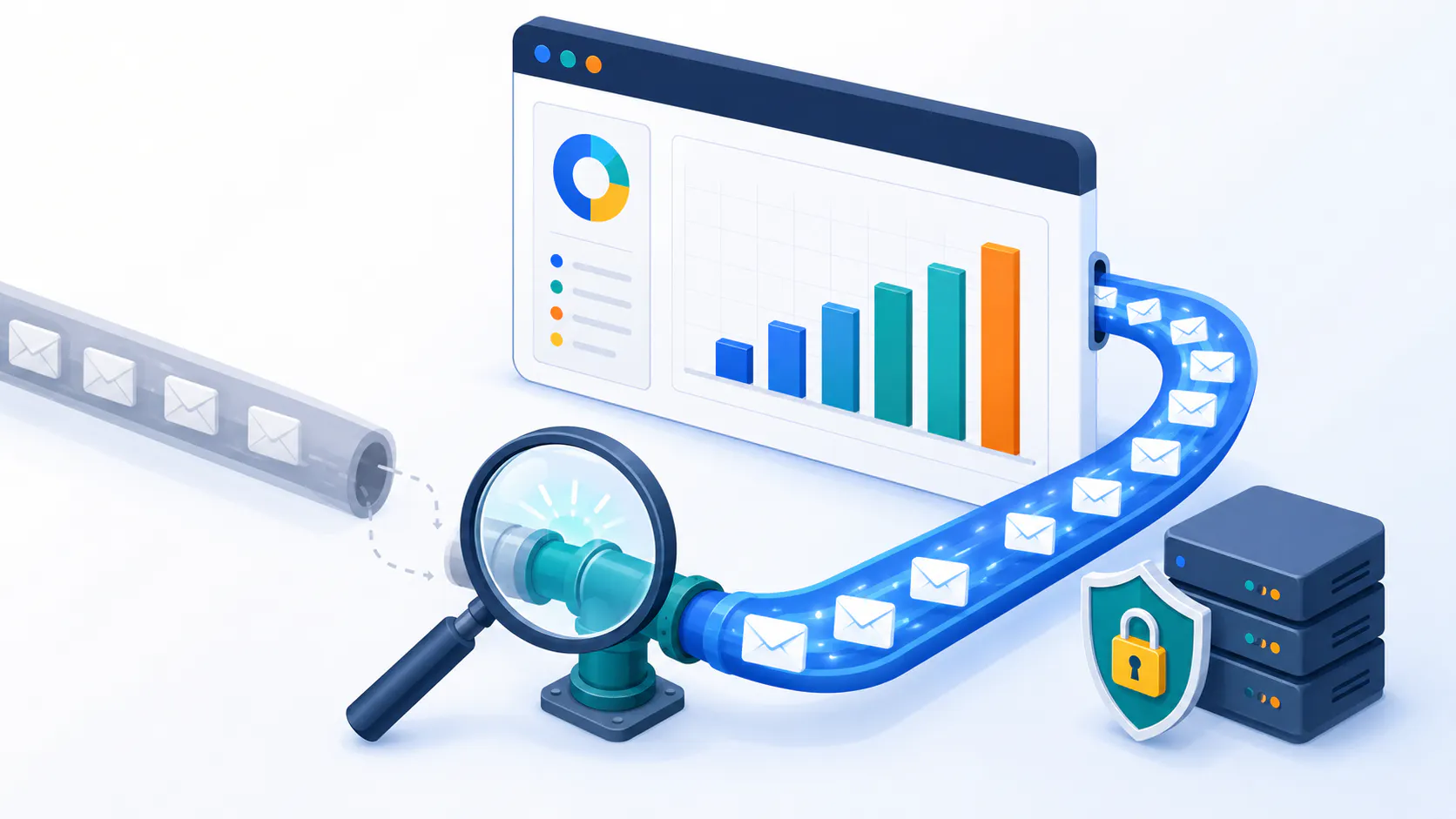
High deliverability is a critical factor in the success of any email marketing campaign. Stripo templates use clean, optimized HTML that follows best practices to maximize inbox placement. These well-coded HTML email templates minimize spam triggers, ensuring your emails pass through filters and reach your audience’s inboxes.
Octeth enhances this further by providing pre-send testing, which includes spam filter checks to ensure that your Stripo-created templates meet deliverability standards. Octeth’s integration with SPF, DKIM, and DMARC compliance ensures correctly configured email headers, further improving inbox placement.
Octeth’s powerful personalization and segmentation features boost engagement and minimize spam complaints, ultimately enhancing your sender reputation. With its comprehensive analytics, Octeth helps you to identify which templates perform best for each segment, providing valuable insights to refine your campaigns. By analyzing campaign performance, Octeth helps you avoid common pitfalls, leading to improved deliverability and more effective email marketing overall.
Testing and Previewing Email Templates
A visual representation of testing email templates before sending.
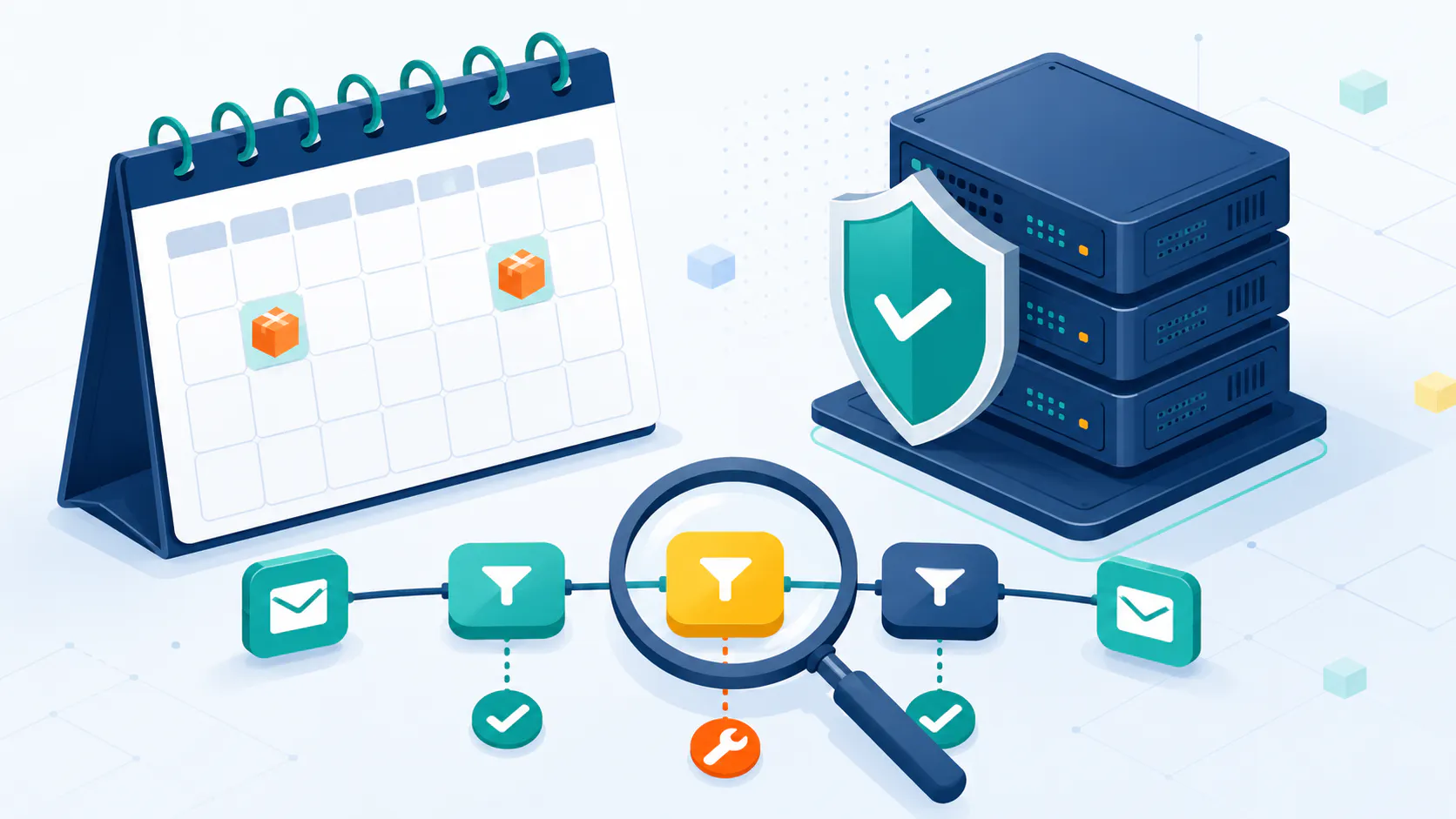
Testing and previewing email templates ensure that your emails render correctly across all devices and email clients. Octeth’s live preview mode shows how your emails will appear on different devices before sending. This feature helps identify any design issues that may need to be addressed, ensuring a seamless experience for recipients.
Test preview lets you see how your Stripo-designed emails will look across various major email clients, including Gmail, Outlook, and Apple Mail. This testing ensures that your emails render correctly and maintain their intended design across all platforms.
A/B testing capabilities within Octeth let you test different subject lines and Stripo templates to determine which performs best for your audience. Collaborative review features enable team members to make changes directly within the Octeth platform before approving final drafts, streamlining the review process and ensuring high-quality campaigns.
Boost Email Performance: Build High-Converting Campaigns with Octeth & Stripo
High converting campaigns require great design, personalization and data driven approach. Stripo’s templates have conversion focused design elements, clear CTAs and beautiful layouts that drive engagement. Dynamic content and audience segmentation in Octeth allows for super personalized email experiences and higher engagement rates.
Interactive elements like surveys, polls and reviews can be added to Stripo templates to make emails more engaging. Automation email sequences with Stripo designs in Octeth’s trigger based workflows will make sure your emails reach the right people at the right time.
Octeth provides detailed analytics for all important metrics like opens, clicks and conversions so you can refine your email marketing strategy. With these tools you can build emails that look great and have high conversion rates and ROI.
Octeth Email Editor with Stripo Integration Step by Step Guide
To start with Octeth email editor and Stripo integration, sign up for free Stripo account at Stripo.email. Log in and go to account settings and enable the necessary plugins. Create an application in Stripo, enter your Octeth URL and get the Plug-In ID and Secret Key.
In Octeth, create an email campaign or autoresponder and choose “Drag-n-Drop Email Builder” as your email content builder. Enter the sender details and preview text and click “Open Email Content Builder” to start designing your email with the drag-and-drop editor. Customize your email and when done, save and go back to campaign settings.
Use the preview to make sure everything looks good on all devices. Run spam filter checks and test subject lines in Octeth to optimize deliverability. When ready, schedule your email and launch your campaign from Octeth.
For a detailed step-by-step guide on connecting Stripo to Octeth, check this article.
Conclusion
Stripo and Octeth has made email creation process so much easier, giving you a powerful and user friendly platform to design, personalize and send professional emails. With a huge library of free HTML email templates, drag-and-drop editor and robust testing and analytics tools you can streamline your email marketing workflow and get higher engagement and conversion rates.
Use Stripo and Octeth to create amazing responsive emails that will resonate with your audience and get you meaningful results. Future proof your email marketing with Octeth and Stripo.
Frequently Asked Questions
How do I create an email template using Stripo and Octeth? To create an email template, use Stripo’s extensive library of free HTML email templates. Customize your chosen template with Octeth’s drag-and-drop editor, ensuring it aligns with your brand. This approach simplifies the creation of responsive HTML email templates for your email campaigns. Are Stripo templates compatible with all email clients? Yes, Stripo templates are designed to be compatible with major email clients, including Gmail, Outlook, and Apple Mail. They are pre-tested to ensure that all the templates render correctly across various platforms and devices. What are responsive HTML email templates? Responsive HTML email templates are designed to adapt to different screen sizes and devices, ensuring your emails look great on both mobile devices and desktops. This is crucial for effective email marketing campaigns, as a significant portion of emails are accessed via mobile. How can I access free email templates? You can access free email templates through Stripo’s platform. These templates are regularly updated and can be customized to fit any business need, providing a professional foundation for your email marketing campaigns. What is an email template? An email template is a pre-designed framework that allows you to create consistent and professional emails quickly. It includes placeholders for content and images, enabling easy customization for various campaigns. Email templates streamline the email creation process, making it efficient to design emails that align with your brand’s messaging.