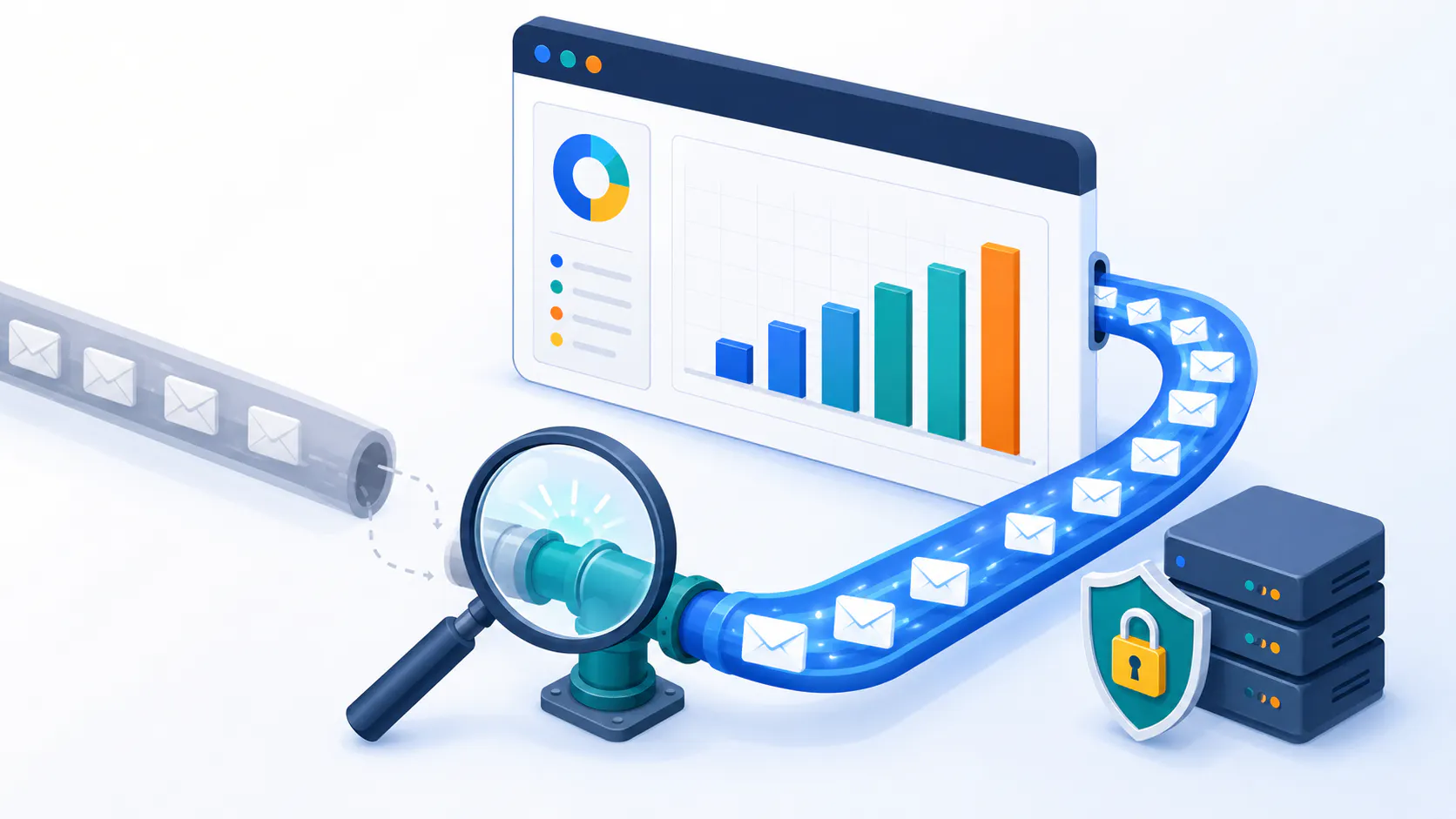
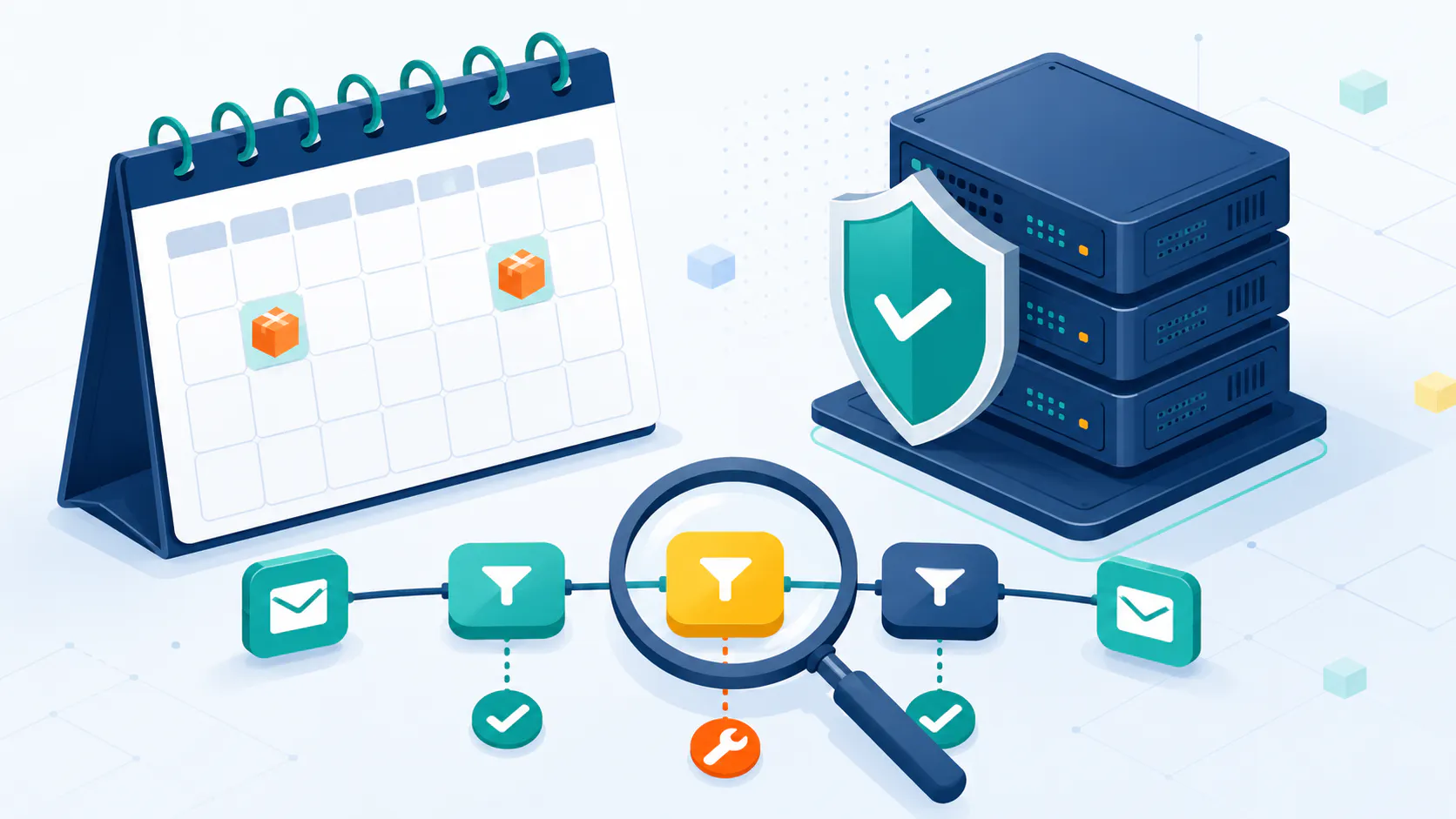
Want your emails read? Then you need great deliverability. It’s the key to getting your messages in front of your audience. This guide breaks down everything you need to know, from simple fixes to powerful strategies, so you can ditch the spam folder and boost your results.
Why Email Deliverability Matters
Email deliverability is all about getting your emails into the inbox, not the spam folder. It’s absolutely crucial for effective email marketing because it directly impacts how many people see your messages, how email providers view your sending reputation, and ultimately, your return on investment.
Think of it this way: if your emails don’t reach the inbox, they’re essentially invisible. No opens, no clicks, no conversions. That’s why understanding and improving your email deliverability is a game-changer.
Here’s a closer look at why it’s so important:
Wider Reach = More Engagement: When your emails consistently land in the inbox, more of your target audience sees them. This increased visibility translates directly into higher engagement rates, more clicks, and ultimately, better results. Imagine the difference between having 10% of your list see your offer versus 90%!
Strong Sender Reputation = Future Success: Consistent deliverability builds a positive sender reputation with email providers like Gmail, Outlook, and others. A good sender reputation is like a seal of approval – it makes future emails even more likely to reach the inbox, ensuring your messages continue to be seen.
Better ROI = More Value from Your Efforts: Higher open rates and click-through rates, driven by good deliverability, mean your email marketing dollars are working harder for you. You’re getting more value from every email you send. You’re not just sending emails; you’re driving tangible results.
For email marketers, mastering email deliverability best practices is essential for a successful email strategy. It’s the foundation upon which all other email marketing efforts are built.
What Affects Email Deliverability?
Many factors influence whether your emails reach the inbox. Understanding these factors is crucial for improving your deliverability rates. Here’s a breakdown of the most important ones:
Sender Reputation: Your sender reputation is like your email’s credit score. It’s built over time based on how recipients interact with your emails. Positive engagement (opens, clicks, replies) boosts your reputation, while negative engagement (spam complaints, unsubscribes) hurts it. A good sender reputation is absolutely essential for consistent inbox placement.
IP Address Reputation: Just like your sender reputation, your sending IP address also has a track record. If your IP address has been associated with spam or other malicious activity in the past, email providers are more likely to block or filter your emails. Tools like IPMonitor can help you monitor and maintain the health of your sending IP addresses.
Email Authentication (SPF, DKIM, DMARC): These are essential security measures that verify your identity as a sender. Think of them as digital signatures for your emails. SPF, DKIM, and DMARC work together to prove that your emails are genuinely coming from you and haven’t been tampered with.
Email List Quality: A clean, engaged email list is the foundation of good deliverability. Having a high number of invalid email addresses, inactive subscribers, or spam traps on your list can significantly damage your sender reputation and lead to higher bounce rates. Regularly cleaning your list with tools like Cleanify.io is essential for maintaining good deliverability.
Email Content and Subject Lines: The content of your emails, including your subject lines, plays a significant role in how email providers perceive your messages. Avoid using spam trigger words (e.g., “free,” “guarantee,” “urgent”), misleading subject lines, or excessive capitalization and punctuation. Make sure your subject lines are clear, concise, and accurately reflect the content of your email. High-quality, engaging content is also crucial for keeping subscribers interested and reducing spam complaints.
Email Service Provider (ESP): Your choice of ESP can also affect your deliverability. Reputable ESPs have established relationships with ISPs and implement best practices to ensure good deliverability rates. They also provide tools and resources to help you manage your email list, track your metrics, and improve your overall deliverability.
To boost your email deliverability, focus on these factors and continuously refine your email marketing strategies. It’s an ongoing process that requires attention to detail and a commitment to best practices.
Key Email Deliverability Metrics
Getting your emails into your audience’s inbox is crucial for successful email campaigns. Let’s break down the key metrics that can make or break your results: deliverability score, open rates, bounce rates, and spam complaints. Monitoring these metrics gives you valuable insights into your email performance and helps you identify areas for improvement.
Deliverability Score
Think of your deliverability score as your email’s report card. It’s out of 100 and tells you how likely your emails are to land in the inbox instead of the spam folder. Different providers may have slightly different scoring systems, but generally:
Green (81-100): Smooth Sailing: Your emails are generally hitting the inbox.
Orange (61-80): Warming Up: Your deliverability is improving, but still needs work.
Red (0-60): Danger Zone: Your emails are likely going to spam. This requires immediate attention and troubleshooting.
A high deliverability score is essential for maximizing the reach and impact of your email campaigns.
Open Rates and Spam Placement
Open rates measure how many recipients actually open your emails. Low open rates can be a sign that your emails are ending up in spam. If less than 45-50% of your emails are opened, it’s a red flag that something needs to be addressed.
High open rates suggest that your emails are engaging and reaching inboxes. However, open rates aren’t a perfect indicator of deliverability, as some email clients may automatically download images, triggering an open even if the recipient doesn’t actually read the email.
Open RateImplication< 45%Emails might be landing in spam45% – 50%Moderate performance> 50%Good deliverability
Source: Lemwarm
Bounce Rates and Sender Reputation
A high bounce rate can seriously damage your sender reputation. It’s crucial to keep your bounce rate below 5% to maintain a healthy sending reputation. There are two main types of bounces:
Hard Bounces: These are permanent delivery failures, usually due to invalid email addresses (e.g., typos, fake addresses). These should be removed from your list immediately.
Soft Bounces: These are temporary delivery problems, such as a full inbox or a server issue. These addresses might be deliverable later, but it’s best to monitor them and remove repeat soft bouncers.
Keeping your email list clean and actively managing your bounce rates is essential for protecting your sender reputation. For more information on this topic, see our section on hard bounce vs. soft bounce.
Bounce Rate TypeAcceptable RateImplicationHard Bounces< 1%Minimal impact on reputationSoft Bounces< 4%Manageable impact on reputationTotal Bounce Rate< 5%Good deliverability
Source: Lemwarm
Spam Complaint Rates
Spam complaints are a major threat to your sender reputation. Keep your complaint rate under 0.08% to avoid serious deliverability issues. High complaint rates can lead to your emails being filtered or blocked entirely.
Actively monitoring and managing spam complaints is vital for maintaining a good sender reputation.
Spam Complaint RateAcceptable RateImplicationComplaint Rate< 0.08%Good sender reputationComplaint Rate> 0.08%Risk of deliverability issues
Source: Lemwarm
Boost Your Email Deliverability (Actionable Strategies)
Want your email campaigns to hit the mark and land in the inbox, not the spam folder? Here’s how to make it happen:
Warm Up Your IP
Think of your IP address like a new pair of running shoes. You wouldn’t run a marathon in them right away, would you? The same goes for your IP address. If you’re starting with a new IP or significantly increasing your sending volume, start small and gradually increase the number of emails you send. This “warming up” process helps build trust with Internet Service Providers (ISPs) and prevents your emails from being flagged as spam. A typical warm-up schedule might look like this:
Warm-up ScheduleDaily Email VolumeDay 1-350 – 100Day 4-7200 – 500Week 21,000 – 2,000Week 33,000 – 5,000
Get a Subdomain
Using a separate subdomain specifically for your email campaigns (e.g., email.yourdomain.com) is a best practice. If your main website is example.com, using email.example.com for your email campaigns allows you to build a separate reputation for your email sending without affecting your main domain’s reputation. If your email sending practices encounter problems, it won’t impact your website’s performance or deliverability.
Set Up SPF
SPF is like a security badge for your emails. It’s an email authentication method that allows you to specify which mail servers are authorized to send emails on behalf of your domain. This helps prevent spammers from forging your email address. Here’s a simplified example of an SPF record:
v=spf1 ip4:192.0.2.0/24 ip4:198.51.100.123 a -all
This record authorizes the IP addresses 192.0.2.0/24 and 198.51.100.123 to send emails for your domain and tells receiving servers to reject emails from other IP addresses. Need help setting it up? Check out our guide on how to configure SPF records (link to SPF guide).
Need help setting it up? Check out our guide on how to configure SPF record.
Monitor Your Sender Score
Your sender score is like a credit score for your email server. It ranges from 0 to 100 and is calculated based on various factors, including spam complaints, bounce rates, and engagement metrics. A low sender score can significantly impact your deliverability.
Sender Score RangeReputation Level90-100Excellent80-89Good70-79FairBelow 70Poor
Regularly monitor your sender score using a service like IPMonitor to identify any potential issues and take steps to improve your reputation.
Use Feedback Loops
Feedback loops are a valuable tool for improving your email deliverability. They allow you to receive notifications when recipients mark your emails as spam. This information enables you to identify problematic subscribers or content and remove them from your list, which helps improve your sender reputation and reduces future spam complaints.
Keep a Clean Email List
Regularly cleaning your email list is crucial for maintaining good deliverability. Remove invalid email addresses, inactive subscribers, and spam traps. This helps reduce bounce rates, spam complaints, and overall improve your sender reputation.
Email Authentication Protocols: Protecting Your Reputation and Deliverability
In the world of email, trust is paramount. Protocols like DKIM (DomainKeys Identified Mail), SPF (Sender Policy Framework), and DMARC (Domain-based Message Authentication, Reporting & Conformance) are essential tools for ensuring your emails land where they belong: the inbox. Properly implementing these protocols significantly boosts your email deliverability and builds trust with both Internet Service Providers (ISPs) and recipients.
Think of it this way: email authentication is like verifying your identity before entering a secure building. It proves that you are who you claim to be and that your emails haven’t been tampered with. This is crucial because it protects your sender reputation and prevents spammers from impersonating you.
Reputable sources, like Gmail, emphasize the importance of email authentication for inbox placement. By setting up SPF and DKIM, you’re essentially telling email providers, “Yes, these emails are genuinely from me.” This involves adding specific information to your domain registrar’s settings, which confirms your ownership of the domain and helps protect your email content from unauthorized modification. This proactive step prevents spammers from spoofing your domain, which can severely damage your reputation and harm your deliverability.
SPF: The Basics
SPF is like a security guard for your email. It checks if the IP address sending the email is authorized to do so by comparing it to a list of authorized IP addresses you’ve specified for your domain. This helps prevent spammers from using your domain to send fraudulent emails. If the sending IP address isn’t on your authorized list, the email is more likely to be rejected or filtered. Neil Patel (link to Neil Patel) provides more information on SPF.
SPF, DKIM, and DMARC work together as a layered defense system. They verify the sender’s identity, build trust with mailbox providers, and prevent unauthorized use of your domain, ultimately safeguarding your sender reputation. For a step-by-step guide on setting up SPF, see our guide on how to configure SPF records.
Setting Up DKIM
DKIM adds another layer of security by attaching a digital signature to your emails. This signature, created using a private key, is verified by the receiving server using a public key stored in your domain’s DNS records. This process ensures that the email hasn’t been altered during transit. Think of it like a wax seal on a letter – it guarantees the integrity of the message.
Providing DKIM information to your domain registrar confirms your ownership of the email address and protects your emails from tampering. This also helps prevent spammers from spoofing your domain and damaging your reputation. For more information on DKIM and how it compares to SPF and DMARC, visit our page on SPF vs. DKIM vs. DMARC.
DMARC: The Extra Layer of Protection
DMARC builds upon SPF and DKIM by allowing you to define a policy for how email providers should handle emails that fail authentication checks. You can specify whether to quarantine these emails (move them to the spam folder) or reject them entirely. DMARC also provides reporting mechanisms that give you insights into your email authentication practices and help you identify any potential issues.
Setting up DMARC helps prevent email spoofing and provides valuable data about your email authentication performance. Properly configuring DMARC can significantly improve your email deliverability and protect your domain’s reputation. For more detailed instructions on setting up these protocols, see our guide on email authentication protocols.
Content Quality and Engagement
Making Your Emails Pop
Creating compelling content that grabs attention and keeps subscribers engaged is not only essential for building relationships with your audience but also plays a significant role in improving your email deliverability. High-quality content leads to higher open rates, increased click-through rates, and fewer spam complaints—all of which positively impact your sender reputation and inbox placement. The goal is to create messages that feel personalized, relevant, and offer genuine value to each reader.
Here are some strategies for creating engaging email content:
Personalization: Use the recipient’s first name whenever possible. Personalized emails feel more relevant and less like mass marketing blasts.
Segmentation: Divide your email list into smaller segments based on demographics, interests, or behavior. This allows you to send highly targeted messages that resonate with each specific group, leading to increased engagement.
Visual Appeal: Incorporate eye-catching visuals, such as high-quality images and graphics, to make your emails more visually appealing. However, be sure to balance images with text to avoid triggering spam filters (more on this below).
Clear Calls to Action: Make it easy for your subscribers to take the next step by including clear and compelling calls to action. Tell them exactly what you want them to do (e.g., “Shop Now,” “Learn More,” “Register Today”).
Mobile Optimization: Ensure your emails are responsive and display correctly on all devices, especially mobile phones. A significant portion of email opens happen on mobile, so mobile optimization is essential for a good user experience.
Dodging the Spam Folder
Nobody wants their emails ending up in the spam folder. Spam filters are constantly evolving and looking for certain words, phrases, and patterns that are commonly associated with spam. Avoid these red flags to keep your emails out of the junk folder. Here’s how:
Avoid Spam Trigger Words: Steer clear of words and phrases that often trigger spam filters, such as “free,” “guarantee,” “money,” “discount,” “100%,” “limited time offer,” and anything that sounds too good to be true. While these words aren’t always a guaranteed trip to the spam folder, using them excessively increases your risk.
Moderate Capitalization and Exclamation Points: Don’t overuse capital letters or exclamation points. Excessive use of these can make your emails look unprofessional and spammy.
Honest Subject Lines and Content: Be transparent and truthful in your subject lines and email content. Avoid misleading or clickbait-style subject lines that don’t accurately reflect the content of your email.
Balanced Image-to-Text Ratio: Maintain a healthy balance between images and text in your emails. Too many images and not enough text can make your emails look suspicious to spam filters. Aim for a ratio of at least 60% text to 40% images.
Test Before Sending: Before sending your emails to your entire list, test them with spam check tools (like Mail-tester, etc.) to identify any potential issues that might trigger spam filters.
Hitting the Mark with Deliverability Rates
Getting your emails delivered is the ultimate goal. Top performers in email marketing achieve exceptional deliverability rates by consistently adhering to best practices. For example, Higher Logic Thrive Marketing reports a 99% deliverability rate, significantly higher than the industry average of 85.7%. They attribute their success to a strong focus on sender reputation, including proper email authentication setup.
CompanyDeliverability Rate (%)Higher Logic Thrive Marketing99Industry Average85.7
By prioritizing high-quality content, avoiding spam triggers, and implementing proper email authentication, you can significantly improve your email deliverability rates and maximize your return on investment.
Common Mistakes That Mess Up Your Email Deliverability
Even with the best intentions, it’s easy to make mistakes that can negatively impact your email deliverability. Here are some common pitfalls to avoid:
Misleading Subject Lines: While we’ve touched on this before, it’s worth reiterating. Avoid using misleading or deceptive subject lines that don’t accurately reflect the content of your email. Not only is this bad practice in general, but it can also trigger spam filters and damage your sender reputation. The CAN-SPAM Act prohibits deceptive subject lines, so it’s important to be truthful and transparent.
Spam Trigger Words: We’ve mentioned this before, but it’s worth emphasizing. Certain words and phrases are more likely to trigger spam filters. While using these words doesn’t guarantee your email will go to spam, it’s best to use them sparingly and cautiously.
Image-Heavy Emails: While images can enhance the visual appeal of your emails, using too many can harm your deliverability. Spam filters may flag emails with a high image-to-text ratio. Additionally, some email clients block images by default, so your message may not display correctly if it relies too heavily on visuals. Aim for a balance of at least 60% text to 40% images, or even better, 80% text to 20% images.
By being mindful of these common mistakes and following best practices, you can improve your email deliverability and ensure your messages reach your audience’s inbox.
Frequently Asked Questions
What is email deliverability? Email deliverability refers to the ability to successfully deliver emails to recipients’ inboxes. It depends on factors like sender reputation, content quality, and list hygiene. Why is email deliverability important? Improving email deliverability ensures your messages reach the intended audience, leading to higher engagement, conversions, and ROI. Poor deliverability can hurt your sender reputation and marketing efforts. How can I improve my sender reputation? To boost your sender reputation, maintain a clean email list, authenticate your domain, monitor bounces and complaints, and avoid spammy content and practices. Consistent positive engagement also helps. What are the best practices for email content? Use a clear, relevant subject line, personalize where possible, optimize for mobile, and include a prominent call-to-action. Avoid spam triggers like excessive punctuation, CAPS, and misleading claims. What are the consequences of poor email deliverability? Poor deliverability can lead to lower open rates, higher bounce rates, and increased spam complaints. It can also damage your sender reputation, making it harder to reach the inbox in the future. How do I monitor my email deliverability? Use tools like seed lists, spam testing, and deliverability monitoring services to track your inbox placement and identify issues. Monitor bounces, complaints, and unsubscribe rates as well. What is the role of email authentication in deliverability?
Authenticating your domain with protocols like SPF, DKIM, and DMARC helps email providers verify your identity and reputation. It reduces the chances of your emails being marked as spam. What are some common email deliverability myths? Myths include the belief that sending to a large list always improves results, that spam filters only look at content, and that deliverability is a one-time fix. In reality, deliverability is an ongoing process that requires consistent effort and monitoring.