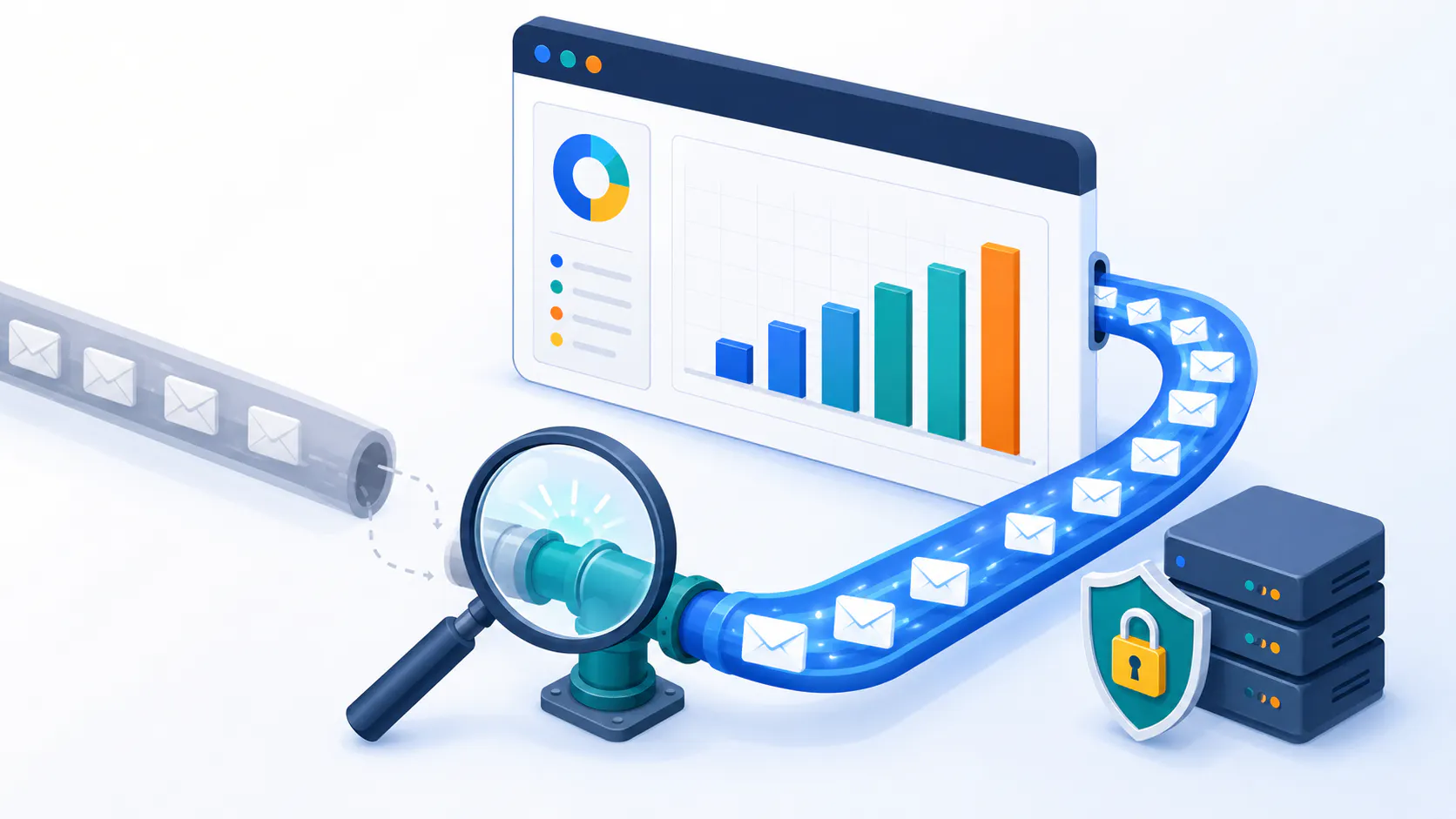
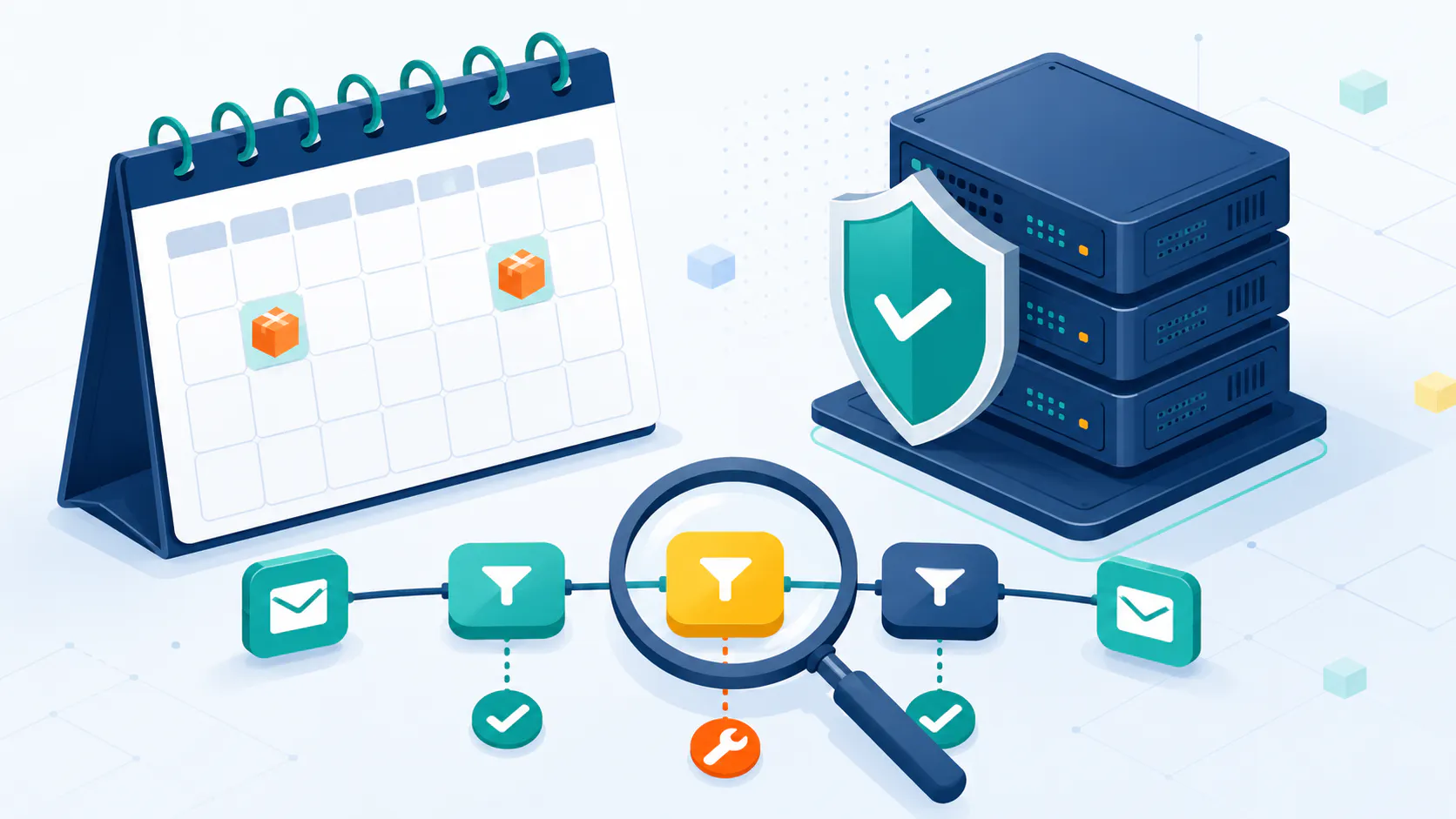
Email remains vital for business communication. But getting your messages to inboxes can be tricky. This guide will help you improve email deliverability and boost your sender IP and domain reputation.
What is Email Deliverability?
Email deliverability is how well your emails reach inboxes. Your sender’s reputation plays a key role in this process. Imagine your email sender reputation as your credit score. Just like a financial credit score determines your trustworthiness to lenders, your email reputation determines your trustworthiness to ISPs (Internet Service Providers) and ESPs (Email Service Providers). And in the world of email, trust is everything. A good reputation means your emails land in inboxes, not spam folders, ensuring your marketing efforts actually, well, work.
Think about it: have you ever sent an important email and wondered if it even reached the recipient? That’s the frustration of poor deliverability. ISPs aren’t just flipping a coin to decide where your emails go. They’re looking at a whole host of factors, essentially grading you on your email sending behavior. This “score” determines how likely your messages are to reach their intended recipients.
Now let’s take a look at some data to understand the impact of email deliverability on revenue:
Global Inbox Placement Rates: Approximately 15.2% of legitimate, permission-based marketing emails fail to reach the inbox, either landing in spam folders or being blocked entirely. (validity.com)
Revenue Per Email: The average revenue generated per marketing email is about $0.10.
Financial Implications: For every 1 million emails sent, if 15.2% don’t reach the inbox, this translates to a loss of $15,200 in potential revenue.
That’s real money on the table, and it highlights why understanding and improving your email deliverability is no longer optional, it’s essential.
An infographic depicting the key factors affecting email deliverability.
Factors Affecting Email Deliverability
So, what exactly contributes to this email “credit score”? Let’s break down the key elements that contribute to your email “credit score”:
FactorDescriptionImpact on DeliverabilitySender IP AddressThe reputation of the IP you’re sending from. A clean IP is golden. Imagine sending mail from a house known for throwing wild, disruptive parties – that’s what a blacklisted IP feels like.High reputation improves deliverability.Sender ReputationYour overall standing based on bounce rates, spam complaints, and subscriber engagement. It’s like your online persona, reflecting how recipients perceive your emails.A strong reputation enhances inbox placement.Email AuthenticationMethods like SPF, DKIM, and DMARC that verify sender identity to ISPs. It’s like showing your passport at the airport, proving you are who you say you are.Proper authentication boosts trust with ISPs.Email Content and StructureThe quality and relevance of your emails. Avoid spam triggers like ALL CAPS and excessive exclamation points! Think of it as writing a polite and engaging letter, not a shouty advertisement.Well-structured emails are less likely to be marked as spam.Sending Volume and FrequencyConsistent and reasonable sending habits. No sudden spikes that look suspicious. Imagine a friend who only calls when they need something – that’s what irregular sending looks like to ISPs.Irregular sending can lead to spam complaints.List Quality and EngagementA healthy list with active subscribers is crucial. A list full of dead addresses is like a party with no guests.Higher engagement rates improve deliverability.Spam ComplaintsThe number of recipients marking emails as spam. This is a direct reflection of how your content is being received.High spam complaints damage reputation and deliverability.
By actively managing these factors, you can improve your email deliverability and sender reputation, ensuring your messages reach the intended audience.
Setting Up Your Email Infrastructure
Choose Between a Private Mail Server and Email Service Providers
You have two main options for email infrastructure:
Private mail server
Email Service Provider (ESP)
If you’re a small to mid-sized business, using a trusted Email Service Provider (ESP) like Sendloop is a smart and hassle-free choice. ESPs come with built-in tools to handle deliverability and compliance, so you can focus on growing your business without worrying about email issues.
On the other hand, if you’re a mid-sized to large business looking for more control, an on-premise solution like Octeth lets you run your own private mail server. This gives you full ownership of your email campaigns and infrastructure, ensuring strong inbox delivery. However, it does require more setup and ongoing maintenance compared to an ESP.
To make the choice easier, here’s a quick comparison:
FeaturePrivate Mail ServerEmail Service Provider (ESP)ControlFullLimited (but sufficient)CostHigh (setup and maintenance)Variable (subscription-based)Technical ExpertiseRequiredMinimalScalabilityRequires manual scalingTypically scalableDeliverability ManagementManualBuilt-in tools
Once you’ve chosen your path, it’s time to configure your IP and domain for optimal delivery. This involves getting a dedicated IP, checking for blacklists, setting up PTR and MX records, and implementing those crucial authentication methods we’ll discuss next.
Fine-tuning Your Sending Setup
Once you’ve chosen your path, it’s time to fine-tune your sending setup for optimal deliverability. This involves a few key steps:
Dedicated IP Address: Just like a physical address tells people where to find you, a dedicated IP address is unique to your email sending. If you’re using an ESP, they might offer this as part of their service. If you’re managing your own server, you’ll need to contact your hosting provider or ISP to acquire a static IP address. This allows you to build a consistent reputation associated with that IP.
Blacklist Check: Before you start sending, it’s crucial to make sure your IP address has a clean slate. Use a tool like MXToolbox to check your IP against known blacklists. If you find yourself on a blacklist, you’ll need to investigate the cause and take steps to get removed. This might involve contacting the blacklist provider and demonstrating that you’re a legitimate sender.
PTR Record: This is like setting up a return address for your email. A PTR record maps your IP address to your domain name, helping to verify your identity. You can usually configure PTR records through your hosting provider or domain registrar.
MX Records: These records act as a guide, telling incoming emails where to go. You’ll need to create MX records to specify your mail servers. Again, your hosting provider or domain registrar should provide instructions on how to configure these records.
SPF, DKIM, DMARC: We’ll dive deeper into these crucial authentication methods in the next section, with step-by-step instructions on how to set them up.
By taking these steps, you’re laying a solid foundation for strong email deliverability. It’s like building a house – you need a strong foundation before you can add the walls and roof.
Mastering Email Authentication: SPF, DKIM, and DMARC – Your Digital Credentials
Think of SPF, DKIM, and DMARC as your digital credentials, proving you are who you say you are.
SPF (Sender Policy Framework): Tells receiving servers which IPs are authorized to send emails from your domain.
DKIM (DomainKeys Identified Mail): Adds a digital signature, ensuring your emails haven’t been tampered with.
DMARC (Domain-based Message Authentication, Reporting, and Conformance): Builds on SPF and DKIM, telling servers how to handle unauthenticated emails.
These authentication methods are like a digital handshake, building trust with ISPs and ensuring your emails reach their destination. For more details and a guide an setting them up, continue reading here: Email Authentication: SPF, DKIM & DMARC Explained
Proven Strategies to Stay Out of the Spam Folder
Okay, you’ve got your email infrastructure set up, authentication in place… now how do you actually keep those emails out of the spam folder? This is where ongoing maintenance and best practices come into play. Think of it like tending a garden – you need to consistently nurture it to keep it thriving.
Building and Maintaining a High-Quality Email List
Your email list is the foundation of your email marketing efforts. A healthy list full of engaged subscribers is like fertile soil, while a neglected list with outdated or invalid addresses is like trying to grow plants in a desert.
List Cleaning: Spring Cleaning for Your Inbox
Just like you declutter your home, you need to regularly clean your email lists. This means removing inactive subscribers, invalid addresses, and spam traps.
Tools like Cleanify.io or NeverBounce can help automate this process, identifying and removing problematic addresses. Aim to clean your list using email verification tools at least every quarter, or more frequently if you see a spike in bounces or spam complaints.
Double Opt-In: Confirming the Invitation
Imagine throwing a party and having a bunch of people show up who weren’t actually invited. That’s what subscribing someone without their explicit consent feels like.
Double opt-in adds an extra step to the subscription process, requiring users to confirm their email address before being added to your list. This ensures that only genuinely interested individuals are receiving your emails, improving engagement and reducing spam complaints.
Sunset Policy: Saying Goodbye to Inactive Subscribers
Sometimes, it’s necessary to say goodbye to subscribers who are no longer engaged with your content. A sunset policy defines when a subscriber should be removed based on inactivity.
For example, you might remove subscribers who haven’t opened or clicked on an email in the last six to twelve months. This keeps your list fresh and improves your overall engagement metrics.
Warming Up Your IP and Sending Schedule
Imagine suddenly running a marathon without any training. Your body wouldn’t be happy, right? The same goes for your sender reputation. If you start sending a large volume of emails from a new IP address, ISPs might get suspicious and flag you as a spammer.
Gradual Warm-Up: The Email Marathon Training Plan
When you start sending from a new IP address, or after a period of inactivity, it’s crucial to warm it up gradually. This means starting with a small, highly engaged segment of your list and slowly increasing your sending volume over time.
A typical warm-up period might last a few weeks, with sending volume increasing by 10-20% each week. This allows ISPs to get to know you and build trust in your sending practices.
Consistent Schedule: The Rhythm of Deliverability
Just like a healthy sleep schedule keeps you feeling good, a consistent sending schedule keeps your sender reputation in good shape. Avoid sudden spikes in sending volume, as these can trigger spam filters.
Instead, aim for a regular sending cadence, whether it’s daily, weekly, or monthly. This helps establish predictability and builds trust with ISPs.
If you’re just starting out with email marketing, you might greatly benefit from following this guide: How to Build and Scale Email Marketing to 5,000 Clicks Per Day
Monitoring and Improving Your Sender Reputation
Just like you check your bank balance regularly, it’s important to keep an eye on your sender reputation. This means using tools and resources to track your performance and identify any potential issues.
Reputation Monitoring Tools:
IPMonitor: Provides real-time tracking of your IP and domain reputation, allowing you to address issues before they become major problems.
Google Postmaster Tools: Offers valuable insights into your Gmail delivery performance, including data on spam complaints, authentication, and reputation.
Microsoft SNDS: Provides similar data for Microsoft domains like Outlook and Hotmail.
Analyzing Email Metrics:
Pay close attention to key metrics like bounce rates, spam complaints, open rates, and click-through rates. These metrics can provide valuable clues about your sender reputation and identify areas for improvement.
Feedback Loops (FBLs):
Set up feedback loops with major mailbox providers to receive notifications when users mark your emails as spam. This allows you to identify and address potential issues with your content or sending practices.
By actively monitoring and improving your sender reputation, you can ensure that your emails continue to reach the inbox and achieve your marketing goals.
Actionable Best Practices from Industry Experts
Alright, you’ve mastered the fundamentals of email deliverability. Now, it’s time to take it to the next level with some advanced techniques from the pros. These insights will help you fine-tune your strategy and achieve even better results.
Engagement-Based Segmentation
“Segmentation can improve open rates by up to 14.3%,” says Mailchimp. But what exactly does that mean? It’s about treating your audience like the unique individuals they are, not just a homogenous mass.
The Power of Personalized Content: Imagine receiving a birthday card with a generic message versus one with a handwritten note from a friend. Which one feels more special? The same principle applies to email marketing.
Segmenting by Engagement: Divide your list into segments based on their engagement level. You might have “active” subscribers who open and click on most of your emails, “semi-active” subscribers who engage occasionally, and “inactive” subscribers who haven’t interacted in a while.
Tailored Messaging: Once you have your segments, you can tailor your content to their specific needs and interests. For example, you might send a special offer to your active subscribers, a re-engagement campaign to your inactive subscribers, and a different type of content altogether to your semi-active subscribers.
Building Trust with BIMI: Displaying Your Brand Logo
Have you ever received an email with a company logo next to it in your inbox? That’s BIMI in action. BIMI (Brand Indicators for Message Identification) allows you to display your brand logo next to your authenticated emails, increasing brand recognition and trust.
The Visual Trust Factor: Think about how you feel when you see a security badge on a website. It instantly gives you a sense of confidence, right? BIMI does the same for your emails.
Implementation Steps: To implement BIMI, you’ll need to have SPF, DKIM, and DMARC properly set up. Then, you’ll need to publish a BIMI record in your DNS, linking your logo to your domain.
Benefits Beyond Branding: BIMI not only enhances your brand image but also improves your overall deliverability. By signaling to mailbox providers that you’re a legitimate and trustworthy sender, you increase the chances of your emails reaching the inbox.
Ready to get your BIMI? Continue reading here: Get Gmail’s Blue Checkmark: Your BIMI Verification Guide (2025)
Proactive Spam Complaint Management and Content Optimization
Even with the best intentions, you might still get some spam complaints. The key is to be proactive and use these complaints as an opportunity to learn and improve.
Setting Up Feedback Loops (FBLs): Feedback loops allow you to receive notifications from mailbox providers when users mark your emails as spam. This gives you valuable insight into what’s triggering these complaints.
Analyzing Content and Sending Practices: Once you receive a spam complaint, take a close look at the email in question. Was the subject line misleading? Was the content irrelevant to the recipient? Were you sending too frequently? By analyzing these factors, you can identify and address the root cause of the complaint.
A/B Testing: Experiment with different subject lines, content, and sending times to see what resonates best with your audience. This can help you optimize your emails and reduce spam complaints.
By incorporating these advanced techniques and staying informed about the latest best practices, you can take your email deliverability to the next level and achieve even greater success with your email marketing campaigns.
Wrapping Up: Your Journey to Email Deliverability Success
We’ve covered a lot of ground in this guide. From understanding your sender reputation to implementing authentication and optimizing your email content, you’re now equipped with the knowledge and tools to boost your email deliverability and reach more inboxes.
Remember, email deliverability is an ongoing process, not a one-time fix. It’s like maintaining a car – you need to regularly check the engine, change the oil, and keep things running smoothly. By consistently applying the strategies and best practices we’ve discussed, you can ensure that your emails continue to reach your audience and drive the results you’re looking for. Start implementing these tips today and watch your email marketing soar!
Frequently Asked Questions
What is email deliverability? Email deliverability refers to the ability of an email to successfully reach a recipient’s inbox without being filtered into spam or junk folders. How to improve email deliverability for Gmail? Gmail is a major player, so good deliverability here is key. Focus on strong authentication (SPF, DKIM, DMARC), consistent sending patterns, engaging content, and keeping your list clean. Google Postmaster Tools can provide specific insights into your Gmail performance. What are the best email deliverability tools for small businesses? Small businesses can benefit greatly from tools like Sendloop, Mailchimp or Sendinblue, which offer built-in deliverability features and reporting. Also consider email verification services like Cleanify.io or ZeroBounce to keep your list clean. How can I check my sender IP reputation? Several tools can help you check your sender IP reputation. SenderScore.org and Talos Intelligence provide reputation scores and blacklist checks. You can also use IPMonitor to diagnose any potential issues with your IP address or domain, and get real time reports if an issue occurs. What is a good email deliverability rate? While a 100% inbox placement rate is ideal, a good deliverability rate typically falls between 90-95%. Anything below 85% warrants investigation. What are common email deliverability problems and how to avoid them? Common problems include high bounce rates (due to invalid addresses), hitting spam traps (fake addresses used to catch spammers), getting blacklisted, and having poor content. Avoid these by using double opt-in, cleaning your list regularly, warming up new IPs, and following email best practices. How often should I clean my email list to maintain good deliverability? Aim to clean your list at least quarterly. If you notice a significant drop in engagement or an increase in bounces, it might be time for a cleaning. How can I tell if my emails are landing in spam? Besides monitoring your overall deliverability rate, you can use seed lists (sending emails to a variety of your own email addresses across different providers) or spam testing tools to see where your emails are landing.