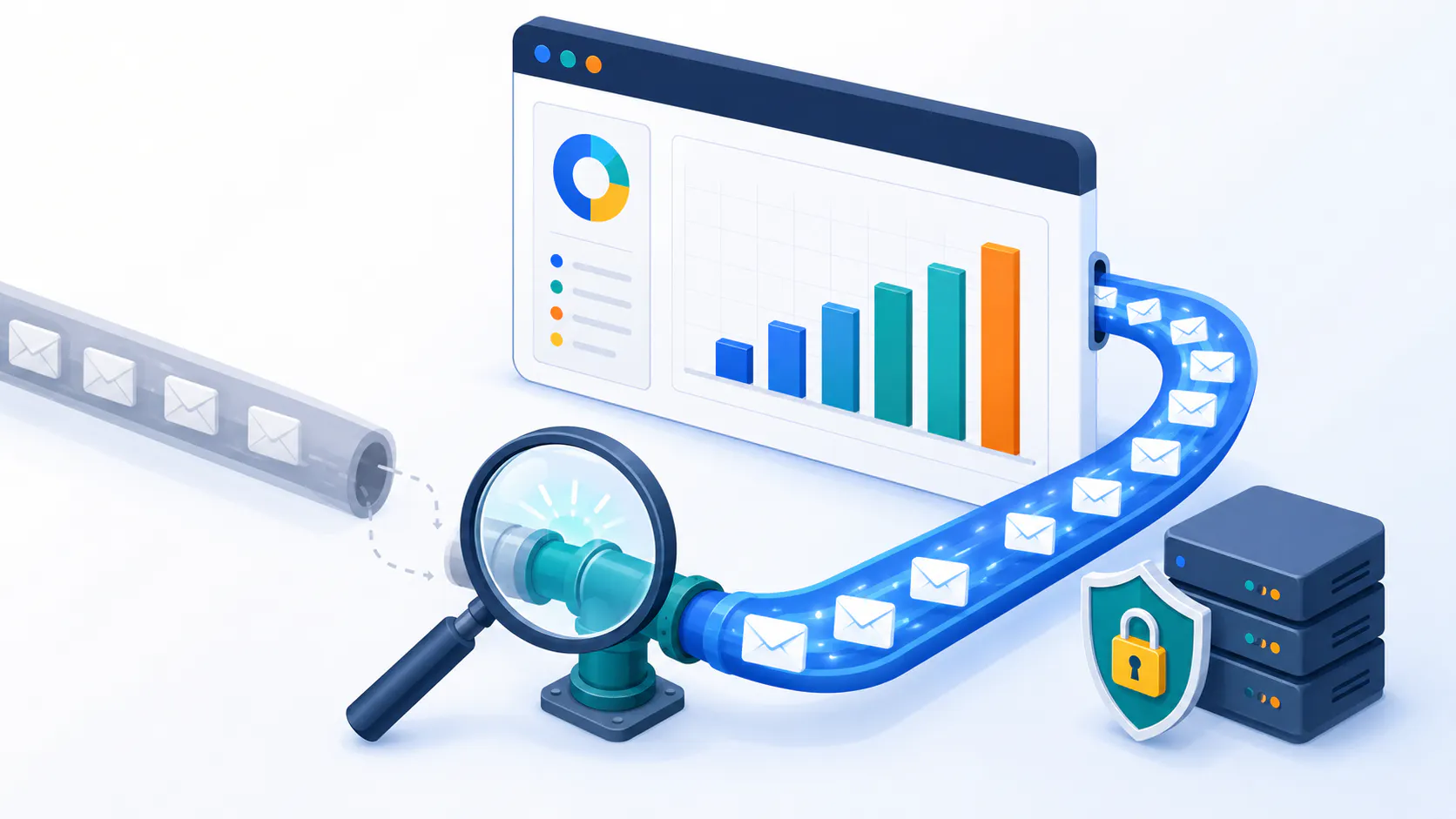
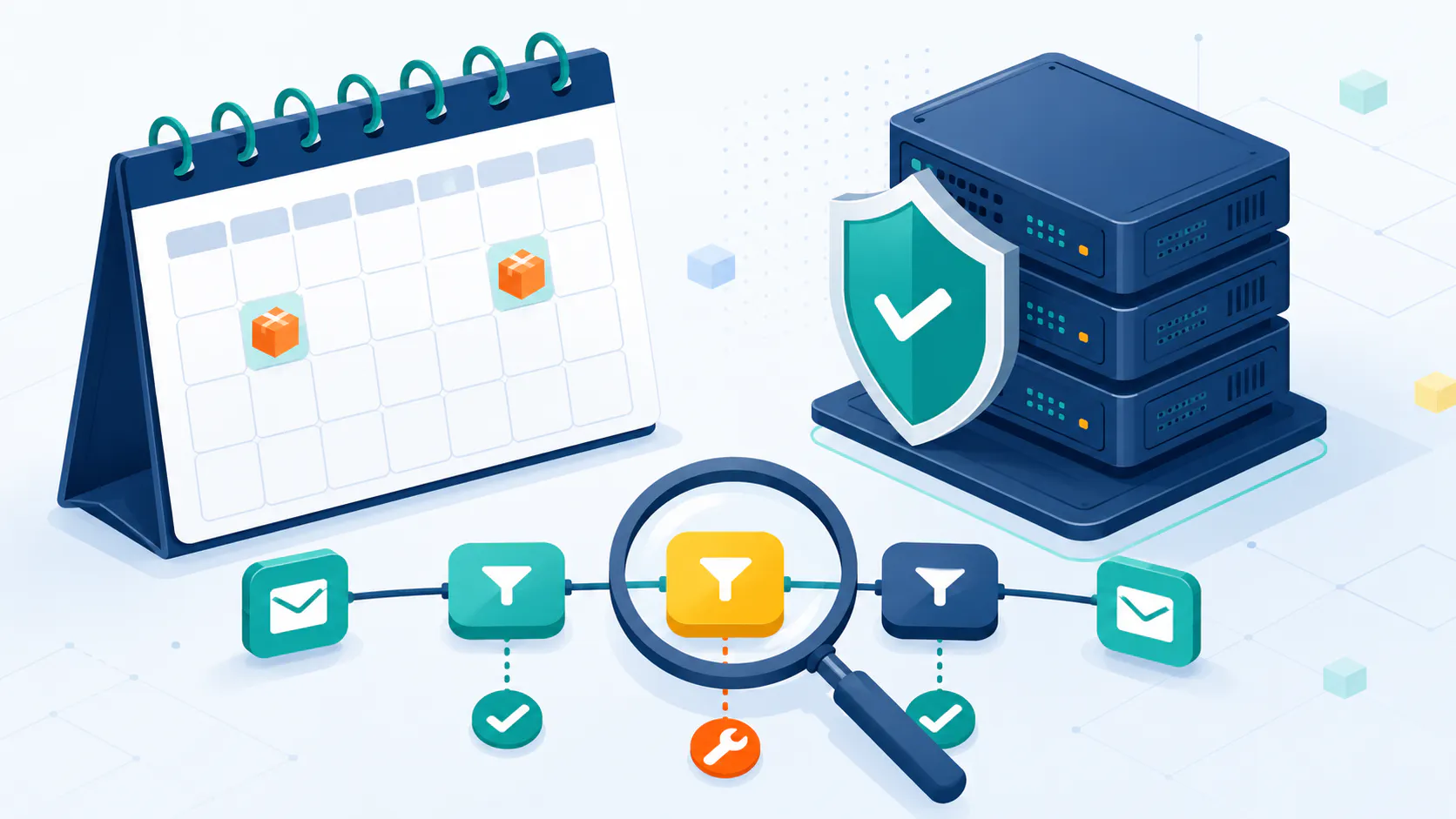
Want to turn casual browsers into loyal customers and boost your WooCommerce sales? Email marketing for WooCommerce is your secret weapon. It’s about building relationships, sparking conversations, and delivering personalized experiences that resonate. This guide reveals the secrets to crafting a winning email marketing strategy, packed with actionable tips and real-world examples.
Why Email Marketing Matters for WooCommerce: More Than Just Sending Emails
In today’s competitive e-commerce landscape, standing out is crucial. Email marketing provides a direct channel to your customers, enabling you to deliver personalized experiences. Here’s why it’s essential for your WooCommerce store:
It saves time by automating tasks like welcome messages and abandoned cart reminders.
It enhances customer engagement by delivering relevant content and offers directly.
It encourages repeat purchases by nurturing existing customers.
It strengthens brand loyalty through consistent, personalized communication.
Strategies for Effective Email Marketing: Building Personal Connections
Nailing email marketing is a game-changer for online businesses, especially those rocking WooCommerce. By sticking to best practices and using automation, you can boost engagement, drive sales, and keep your customers coming back for more.
Ecommerce Email Marketing Tips
Email marketing for ecommerce is all about sending the right emails at the right time, based on where your customer is in their buying journey. Here’s how to do it right:
Segment Your Audience: Analyze customer data to group customers based on their behavior and preferences.
Personalize Your Messages: Use custom fields to add customer names and recommend relevant products.
Optimize for Mobile: Ensure emails are mobile-responsive.
Craft Clear CTAs: Use compelling calls to action.
Test and Optimize: Experiment with subject lines and content. This can be done using A/B testing.
Build a High-Quality Email List: Focus on attracting engaged subscribers who are genuinely interested in your brand. Offer valuable lead magnets, use opt-in forms, and avoid buying email lists.
Comply with Regulations: Respect your subscribers’ privacy and comply with regulations like GDPR. Ensure you have clear consent before sending marketing emails and provide an easy way for them to unsubscribe.
Track Key Metrics: Monitor your email marketing performance closely. Track open rates, click-through rates, conversion rates, and unsubscribe rates to understand what’s working and identify areas for improvement.
Avoid Spam Filters: Keep your emails out of the spam folder by using a reputable email service provider, avoiding spammy language, and ensuring your emails are mobile-friendly. Always provide a clear unsubscribe option.
Email Automation in WooCommerce: Streamlining Your Communication
WooCommerce’s email automation lets you send personalized emails based on pre-set triggers, so your subscribers get the right content without you lifting a finger. Here’s how to make it work for you:
Welcome Series: Send a series of welcome emails to introduce new subscribers to your brand.
Abandoned Cart Nudges: Remind customers about the stuff they left in their cart to get them to complete the purchase.
Order Updates: Keep customers in the loop about their order status with automated emails.
Win Back Campaigns: Reach out to inactive subscribers with special offers or content to re-engage them.
Special Occasion Emails: Send personalized messages on birthdays or anniversaries to build loyalty.
Quick Tips Table: Email Automation Workflows
WorkflowWhy It’s UsefulWelcome SeriesIntroduce new subscribers to your brand.Abandoned Cart NudgesEncourage customers to finish their purchase.Order UpdatesKeep customers informed about their order status.Win Back CampaignsRe-engage inactive subscribers with special offers.Special Occasion EmailsCelebrate special occasions to build loyalty.
Using these automated workflows keeps the conversation going with your subscribers.
By following these tips and using email automation, you can supercharge your email marketing and make your WooCommerce store thrive.
Types of Marketing Emails: Tailoring Your Approach
When it comes to email marketing for WooCommerce, knowing the different types of emails you can send is crucial for boosting your online store’s success. Let’s break it down into two main categories: transactional emails and marketing emails.
Transactional Emails in WooCommerce
Transactional emails are the bread and butter for WooCommerce stores, sending automated messages to customers after specific actions on your site. These emails keep customers in the loop and engaged throughout their shopping experience. Here are some examples:
Order Confirmations
Shipping Updates
Account Changes
Transactional Email TypePurposeOrder ConfirmationConfirms the customer’s order detailsShipping UpdateProvides shipping status and tracking infoAccount ChangeUpdates customers about changes to their account
While these emails mainly deliver important info about orders and transactions, they can also sneak in some promotional content or offers, boosting customer engagement and encouraging repeat buys.
Marketing Emails for WooCommerce
Marketing emails for WooCommerce are your go-to for nurturing leads, building relationships, driving sales, and re-engaging customers. These emails are versatile and can serve various marketing goals. Here are some examples:
Welcome Emails
Thank You Emails
Abandoned Cart Emails
Personalized Promotions
Product Recommendations
Upsell Emails
Cross-Sell Emails
Discount Offers
New Launch Emails
Seasonal Promotion Emails
Marketing Email TypePurposeWelcome EmailIntroduces new subscribers to the brandThank You EmailShows appreciation for a purchase or actionAbandoned Cart EmailReminds customers of items left in their cartPersonalized PromotionOffers tailored to customer preferences
Personalized promotions in emails, based on customer behavior and preferences, can significantly boost conversions. Stats show that 80% of consumers are more likely to buy from brands that offer personalized experiences.
To learn how to create the perfect email campaign, visit this guide: The Anatomy of a Perfect Email: Building Campaigns That Convert
Boost Your Email Campaigns: Personalization and Seasonal Strategies
Want to get the most out of your email marketing for WooCommerce? Let’s talk about two game-changers: personalization and seasonal campaigns.
Make It Personal
Personalized emails are like a secret weapon. They speak directly to your customers, making them feel special and understood. And guess what? People love it. About 80% of folks are more likely to buy from brands that get personal.
Personalized emails can rake in six times more sales than those boring, one-size-fits-all messages. Here’s how you can do it:
Dynamic Content: Show different stuff to different people based on their interests.
Personalized Recommendations: Suggest products they might like based on what they’ve bought before.
Behavioral Triggers: Send emails when they do something specific, like leaving items in their cart.
Email TypeConversion Rate BoostPersonalized Emails6xGeneric Emails1x
Want more tips? Check out our guide on email marketing personalization.
Seasonal Campaigns: Timing Is Everything
Seasonal campaigns are all about striking while the iron’s hot. Think holidays, special occasions, and events. These times are gold mines for engagement and sales. On average, businesses make $32 for every $1 spent during these periods.
Here’s what makes a seasonal campaign pop:
Thematic Content: Match your emails to the holiday or event.
Exclusive Offers: Give special deals or discounts.
Catchy Subject Lines: Make them irresistible. Almost half of people open emails based on the subject line alone.
Campaign TypeROI per $1 SpentSeasonal Campaigns$32Regular Campaigns$10
By focusing on personalization and seasonal campaigns, you can seriously up your email marketing game for WooCommerce.
Boosting WooCommerce Sales: Key Strategies
Want to make your WooCommerce store a hit? Let’s talk about two game-changers: abandoned cart emails and product feed marketing.
Abandoned Cart Emails
Ever had a customer leave stuff in their cart and vanish? Abandoned cart emails are your secret weapon to reel them back in. These emails remind shoppers about their forgotten items and nudge them to complete the purchase. These emails convert three times better than other automated emails. That’s a big deal for your bottom line.
Klaviyo’s ecommerce industry benchmark report shows these emails can rake in an average of $5.41 per recipient.
MetricValueConversion Rate3x better than other automated emailsRevenue per Recipient$5.41
Product Feed Marketing
Want your products to shine? Product feed marketing is the way to go. This involves creating a data feed listing all your products, which can be used for targeted ads and a better user experience. This strategy gives you a leg up on the competition and can seriously boost your conversion rates.
Why product feed marketing rocks:
Better Visibility: Your products are easier to find.
Targeted Ads: Ads hit the right people.
User-Friendly: Customers find what they need faster.
Easy Management: Keep track of products and inventory with ease.
Competitive Edge: Stand out from the crowd.
BenefitDescriptionBetter VisibilityProducts are easier to findTargeted AdsAds reach the right audienceUser-FriendlyEasier navigation and product discoveryEasy ManagementStreamlined updates and inventory trackingCompetitive EdgeStand out in a crowded market
By focusing on abandoned cart emails and product feed marketing, you can seriously boost your WooCommerce store’s conversion rates and revenue.
Picking the Perfect Email Marketing Platform
Finding the best email marketing platform for WooCommerce can feel like searching for a needle in a haystack. You need something that clicks with your website and offers the right features for your needs. Here are some top-rated email marketing systems and tips on how to hook them up with WordPress.
Top Email Marketing Systems
Choosing the right email marketing system can make or break your campaigns. Here are some top picks for WooCommerce:
PlatformRating (G2/Capterra)Best ForFree PlanOctethBusinesses seeking powerful automation and seamless WordPress integrationWorkflow automation, audience segmentation, personalized campaignsYes, Octeth Forever Free Community LicenseSendloopGrowing businesses looking for an affordable and user-friendly solutionEmail automation, drag-and-drop editor, pre-built templatesYes, you can apply for free 10,000 email delivery creditsActiveCampaign4.6/5Sites making under $5m/yearNoneOmnisend4.5/5Beginners and small businessesUp to 250 contacts, 500 emails/monthKlaviyo4.6/5Big eCommerce companiesUp to 250 contacts
Octeth
This platform stands out with its powerful automation capabilities and seamless integration with WordPress. It’s perfect for businesses seeking a comprehensive solution to manage their email marketing efforts from within their WordPress dashboard. Octeth offers a range of features, including workflow automation, audience segmentation, and personalized campaigns, empowering you to create targeted and effective email marketing strategies.
Sendloop
This platform is an excellent choice for growing businesses seeking an affordable and user-friendly email marketing solution. It offers a range of features, including email automation, a drag-and-drop editor, and pre-built templates, making it easy to create professional-looking emails. Sendloop also provides free email delivery credits upon application, making it accessible to businesses on a budget.
ActiveCampaign
This one’s a powerhouse with its automation features and user-friendly interface. Perfect for WooCommerce sites pulling in less than $5 million a year.
Omnisend
If you’re just starting out or running a small biz, Omnisend’s generous free plan is a lifesaver. You can get started with up to 250 contacts and 500 emails a month. Paid plans kick off at $16/month for 251-500 contacts.
Klaviyo
Big eCommerce players, this one’s for you. Klaviyo shines with advanced reporting and predictive insights. Plus, it offers a free plan for up to 250 contacts.For more in-depth comparisons, check out these posts:
Top 10 Best Email Newsletter Platforms (2025)
Elevate Your Strategy: Best Email Marketing Software for Small Businesses
Best Enterprise Email Marketing Software for 2025
Explore the Top Amazon SES Alternative Services in 2025
Integrating Email Marketing with WordPress: Your Marketing Dream Team
Imagine this: you’re managing your online store, effortlessly collecting leads, and sending out perfectly timed emails, all from one place. Sounds like a dream, right? Well, it’s totally doable by integrating your email marketing platform with your WordPress site. It’s like having your marketing team work in perfect sync, boosting your efficiency and making your life a whole lot easier.
Why Bother Integrating?
Think of it like this: instead of juggling multiple platforms and scrambling to keep everything organized, you have a centralized command center. You can manage your website and email campaigns from one dashboard, saving you precious time and headaches. Plus, you unlock powerful features that can take your marketing to the next level.
Perks of a Connected Workflow:
All-in-one Control: Manage your website and email marketing efforts from a single dashboard, saving time and boosting efficiency.
Supercharged Features: Unlock powerful features like audience segmentation and automation, allowing you to send more targeted and personalized emails that resonate with your customers.
Seamless Experience: Create a smooth and enjoyable experience for your customers. Collect email addresses through user-friendly forms and set up automated email sequences to nurture leads and guide them through their journey.
Top-Notch WordPress Plugins for Email Marketing Integration:
Here are two fantastic plugins that can help you seamlessly connect your WordPress site with your email marketing platform:
Octeth: This powerful plugin offers a comprehensive suite of features for managing your contacts, segmenting your audience, and automating your email campaigns. It’s like having a marketing automation expert right inside your WordPress dashboard. Check it out here.
Sendloop: If you’re looking for a user-friendly way to connect your WordPress site with your Sendloop account, this plugin is your go-to. Create signup forms, manage your subscribers, and track your email marketing performance with ease. The plugin can be downloaded here.
What to Look for in an Email Marketing Plugin:
Smooth Integration: Make sure the plugin seamlessly integrates with your chosen email marketing platform.
Audience Segmentation: Look for a plugin that allows you to divide your audience into groups based on their behavior, preferences, and purchase history. This way, you can send them hyper-relevant emails that truly speak to them.
Automation Power: Choose a plugin that allows you to automate email sequences, such as welcome series, abandoned cart reminders, and post-purchase follow-ups. This will save you time and ensure your customers receive timely and relevant messages.
Easy-to-Use Forms: Opt for a plugin with a user-friendly form builder that allows you to create custom signup forms without any coding knowledge.
Insightful Analytics: Select a plugin that provides valuable insights into your email marketing performance, such as open rates, click-through rates, and conversions. This data will help you understand what’s working and what needs improvement.
By choosing the right email marketing plugin and integrating it with your WordPress site, you can streamline your workflow, unlock powerful marketing capabilities, and create a more engaging experience for your customers. It’s a win-win situation!
Conclusion
Email marketing for WooCommerce is a powerful engine for driving sales and nurturing lasting relationships with your customers. By implementing the strategies and tips we’ve explored – from segmentation and personalization to automation and choosing the right platform – you can transform your email marketing into a revenue-generating machine.
Don’t let this opportunity slip away! Start implementing these techniques today and watch your WooCommerce store thrive.
Frequently Asked Questions
How often should I send marketing emails to my WooCommerce customers? Start with a consistent schedule, perhaps once a week, and then adjust based on how your audience responds. Keep an eye on your open rates and click-through rates to gauge their engagement. What are some best practices for writing effective WooCommerce email subject lines? WooCommerce email subject lines should be concise, personalized, and create a sense of urgency or curiosity. Think about what would make you open an email! How can I avoid spam filters with my WooCommerce email marketing campaigns? To keep your emails out of the spam folder, use a reputable email service provider like Sendloop, avoid using spammy language or excessive exclamation points, and ensure your emails are mobile-friendly. It’s also crucial to get explicit permission from subscribers before sending them emails. What are some effective WooCommerce abandoned cart email strategies? Abandoned cart emails are a great way to recover lost sales. Make sure to send them promptly after a customer abandons their cart, personalize them with the customer’s name and the items they left behind, and include a clear call to action to encourage them to complete their purchase. What are some key metrics to track for my WooCommerce email marketing campaigns? Keep a close eye on your open rates, click-through rates, conversion rates, and unsubscribe rates.
These metrics will give you valuable insights into how your campaigns are performing and where you can improve. Are there any legal considerations for email marketing for WooCommerce stores? Yes, it’s important to comply with regulations like GDPR. Make sure you have clear and concise consent from your subscribers before sending them marketing emails, and always provide an easy way for them to unsubscribe.