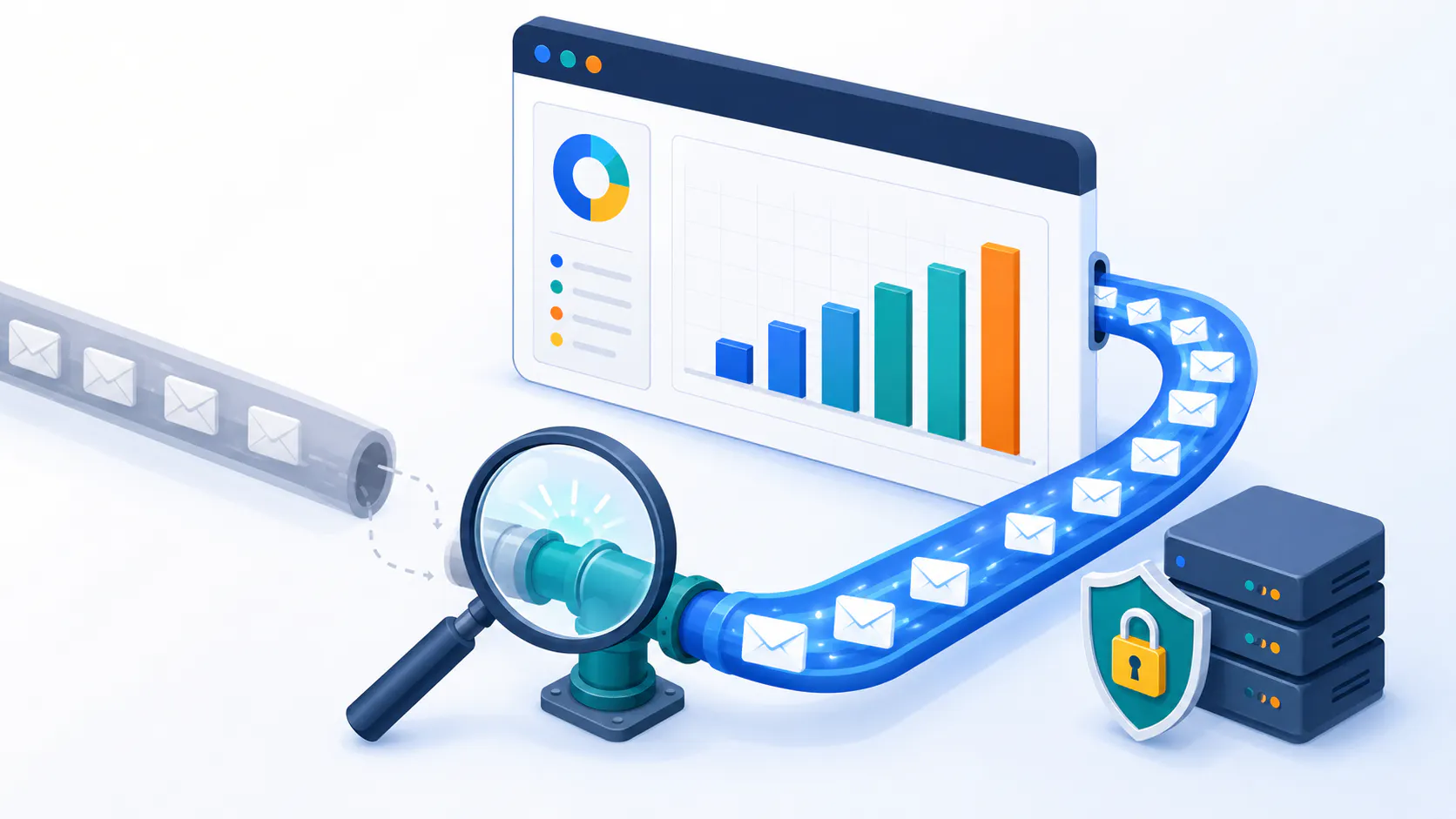
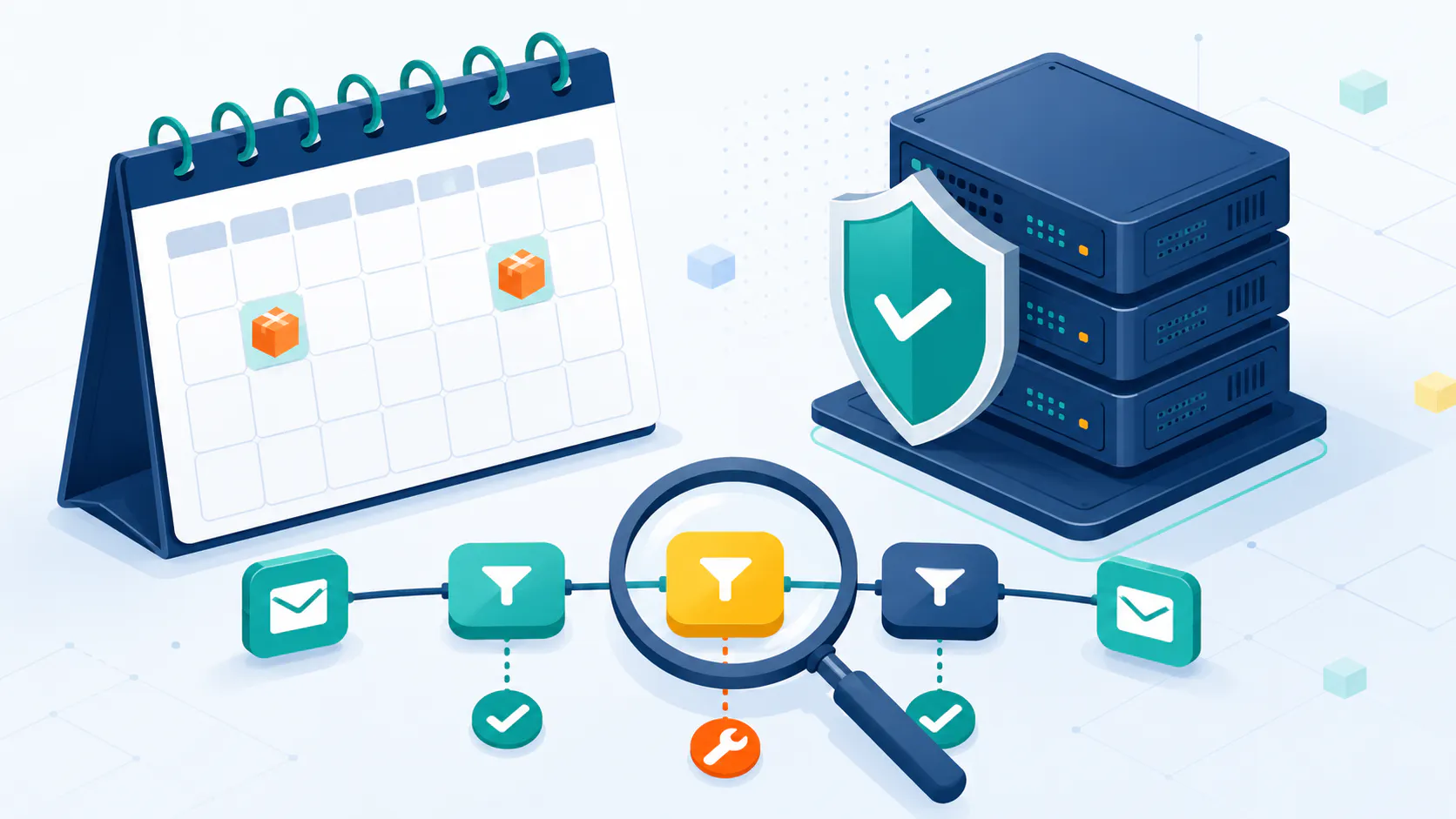
Tired of unpredictable subscription fees and feeling limited by cloud-based email marketing platforms? Small businesses are increasingly turning to self-hosted email marketing solutions to reclaim control over their data, cut long-term costs, and build truly personalized campaigns. If you’re looking to elevate your email marketing strategy and maximize your ROI, understanding the benefits of self-hosting is crucial.
In this comprehensive guide, we’ll dive deep into:
The core advantages and potential challenges of self-hosted email marketing.
Essential features every small business should look for.
A detailed comparison of popular self-hosted platforms, including Octeth.
A step-by-step guide to setting up and securing your own system.
Proven best practices for maximizing your email marketing effectiveness.
How to accurately measure your ROI and optimize for success.
Let’s unlock the power of self-hosted email marketing and take your small business to the next level.
Why Small Businesses Choose Self-Hosted Email Marketing
Choosing the right email marketing software for small businesses is a big deal. While cloud-based options are popular, self-hosted platforms offer something unique: more control and flexibility.
The Perks of Self-Hosting
Own Your Data:
With self-hosted email marketing, your customer data stays on your own servers. This means you’re not relying on other companies to keep your data safe and private.
Example: If you run an online store and collect sensitive customer information, like credit card details, self-hosting gives you greater peace of mind.
Customize Everything:
Self-hosted platforms let you tweak and adjust things to fit your exact needs. You can create unique email templates, integrate with other tools you use, and really make the platform your own.
Example: A small bakery can create email campaigns that perfectly match their brand and style.
Grow Without Limits:
As your business grows, your email marketing needs will change. Self-hosted solutions can easily grow with you, without unexpected price hikes.
Example: A startup that’s gaining lots of new customers won’t have to worry about sudden increases in their email marketing costs.
Connect Your Tools:
Self-hosted platforms play well with other software you might be using, like your CRM or e-commerce platform. This makes your workflow smoother and more efficient.
Example: You can connect your email platform with your customer relationship management (CRM) system to automatically send personalized emails based on past purchases.
Cost-Effectiveness
Setting up self-hosted email marketing software for small businesses might cost a bit more upfront, but you’ll save money in the long run. There are no monthly or yearly fees, which can make a big difference for small businesses on a budget.
Cost Comparison
Cost TypeSelf-Hosted (Roughly)Cloud-Based (Roughly)Getting Started$500 – $3000$0 – $100Ongoing Costs$0 – $100$20 – $1000+ per monthNote: These are just estimates, and the actual costs can vary.
In the long run, self-hosted solutions can save you money since you only pay for the software once. This is great for small businesses on a tight budget. Check our cost-comparison chart for more details.
For a side-by-side look at different email marketing software, visit this post: Top 10 Best Email Newsletter Platforms (2025)
Heads Up: Don’t forget to factor in the costs of ongoing maintenance and potential tech support when figuring out the overall cost-effectiveness of self-hosted solutions. If you’ve got the tech skills, self-hosting can save you a lot and offer more features compared to cloud-based options.
By tapping into the perks and cost savings of self-hosted email marketing software, you can gain better control, customization, and savings, giving your email marketing campaigns a real boost.
Essential Features for Effective Email Marketing
Picking the right email marketing software for small businesses can feel like finding a needle in a haystack. But don’t sweat it! Here are three must-have features that’ll make your email game strong:
Automation Tools: Your 24/7 Marketing Assistant
Imagine sending personalized welcome emails to new subscribers automatically, or triggering a series of follow-up messages based on their website activity. Automation tools streamline your email marketing efforts, freeing up your time and ensuring consistent engagement.
Key Benefits for Small Businesses:
Save Time: Automate repetitive tasks like welcome emails, birthday messages, and order confirmations.
Increase Efficiency: Trigger emails based on specific actions, such as abandoned carts or product views.
Improve Customer Experience: Deliver timely and relevant messages to nurture leads and build relationships.
Boost Sales: Automate upselling and cross-selling campaigns to increase revenue.
Example: Set up an automated abandoned cart email sequence to recover lost sales and remind customers about the items they left behind.
To learn more about email marketing automation software, continue reading here: How Email Marketing Automation Software Transforms Campaigns
Analytics and Reporting: Measure, Analyze, and Improve
You can’t improve what you don’t measure. Good email marketing software for small businesses should give you the lowdown on how your campaigns are doing. Look for software that tracks key performance indicators (KPIs) like bounce rate, click-through rate, and ROI. This data helps you tweak future campaigns for better results.
Key Metrics to Track:
KPIWhat It MeansBounce Rate% of emails that didn’t make it to the inboxUnsubscribe Rate% of emails that were not delivered to the inboxClick-Through Rate (CTR)% of people who clicked a link in your emailReturn on Investment (ROI)Money made vs. money spent on the campaign
Example: Analyze your click-through rates to understand which email content resonates most with your audience and optimize future campaigns accordingly.
Customization Options: Tailor Your Message for Maximum Impact
One-size-fits-all emails often end up in the spam folder. Customization is key to creating engaging and effective email campaigns. Look for software that allows you to:
Personalize Emails: Use recipient names, purchase history, and other data to create tailored messages.
Segment Your Audience: Divide your email list into smaller groups based on demographics, behavior, or preferences to send more relevant content.
Design Unique Templates: Create visually appealing emails that reflect your brand identity.
Example: Segment your audience based on purchase history to send targeted product recommendations and special offers.
Top Self-Hosted Email Marketing Platforms for Small Businesses
Picking the right self-hosted email marketing software for small businesses can make or break your email campaigns. Let’s explore some leading platforms, including Octeth, and compare their features and strengths:
Octeth: A Powerful and Customizable Solution
Octeth is a robust self-hosted email marketing platform designed for businesses seeking advanced automation, detailed analytics, and extensive customization.
Key Features:
Advanced Automation: Streamline your email workflows with automated welcome series, abandoned cart reminders, and behavioral triggers.
Comprehensive Analytics: Track key metrics like open rates, click-through rates, and conversions to measure campaign performance and identify areas for improvement.
Extensive Customization: Design unique email templates, personalize content, and segment your audience to create targeted campaigns that resonate.
Ideal for: Businesses with in-house technical expertise who value control, customization, and scalability.
Comparing Alternatives
To help you make an informed decision, let’s compare Octeth with some other popular self-hosted and cloud-based alternatives:
PlatformKey FeaturesTarget AudiencePricingOctethAutomation, Analytics, CustomizationBusinesses of all sizesCustom pricing based on needsMailchimpFree plan for <2,000 subscribers, Drag-and-drop editor, Business goal-oriented templatesSmall businesses, StartupsFree and paid plans DripEmail and SMS marketing, Pre-built automated series, E-commerce integrationE-commerce brandsSubscription-based CampaignerAdvanced automation, Segmentation, Conversion tracking, Full code editorSmall to medium enterprisesSubscription-based SenderDrag-and-drop builder, Behavioral segmentation, Visual automationBusinesses of all sizesAffordable pricing plans
For a deeper dive into different email marketing software, visit our email marketing software comparison page.
Octeth shines with its powerful automation tools and customization options, making it a solid pick for businesses wanting to keep their email marketing in-house. But the best choice really depends on what you need and what you can afford. Whether you go with Octeth or check out other options like Mailchimp, Zoho Campaigns, Drip, Campaigner, or Sender, make sure to weigh the features that match your email marketing goals.
Curious about open-source and self-hosted email marketing? Check out our self-hosted email marketing software and open-source email marketing software pages.
Setup and Configuration
Getting your self-hosted email marketing software up and running is key for small businesses looking to boost their email game. This guide will walk you through the setup and essential security steps.
Installation Process
Setting up self-hosted email marketing software like Octeth isn’t rocket science, but it does require a few steps to get it right.
System Check: Make sure your server is ready. You’ll need PHP, MySQL, and a web server like Apache or Nginx.
Grab the Software: Download Octeth from the official site.
Upload Files: Use FTP or a web-based file manager to upload the software files to your server.
Database Setup: Create a MySQL database and user. Keep the database name, username, and password handy.
Configure: Enter your database details in the configuration file.
Run the Installer: Open your web browser, access the installation script, and follow the steps.
Initial Setup: Log in to the admin panel to finish setting up your email server and default settings.
Security Measures
Keeping your email marketing software for small businesses secure is a must to protect your data and campaigns. Here’s how to lock it down:
Stay Updated: Regularly update your software and server to fend off vulnerabilities.
Secure Connections: Use SSL/TLS encryption to keep data safe during transmission.
Strong Passwords: Make sure everyone uses strong passwords to keep out unwanted guests.
Firewalls and Anti-Malware: Protect your server with firewalls and anti-malware software.
Backup Plan: Regularly back up your database and configuration files to avoid data loss.
Access Control: Only allow trusted personnel to access the admin panel and sensitive files.
Monitoring and Logging: Use monitoring tools and keep logs to catch and respond to suspicious activities quickly.
Security MeasureDescriptionStay UpdatedRegularly update software and serverSecure ConnectionsUse SSL/TLS encryptionStrong PasswordsEnforce strong password policiesFirewalls and Anti-MalwareProtect against attacksBackup PlanRegularly back up dataAccess ControlRestrict access to trusted personnelMonitoring and LoggingDetect and respond to suspicious activities
By following these steps, you’ll ensure your self-hosted email marketing software for small businesses is set up right and secure.
Elevate Your Email Marketing: Proven Best Practices
Effective email marketing isn’t just about hitting “send.” It’s about crafting a strategy that makes your audience feel seen and heard. By breaking down your email list, personalizing content, and testing what works, you can turn a simple email into a powerful tool.
Elevate Your Email Marketing: Proven Best Practices
Breaking down your email list into smaller groups is like sending a birthday card instead of a generic holiday card. It shows you care. You can split your list based on things like age, location, or even what they’ve bought before. This way, your emails hit home and don’t end up in the trash.
Segmentation CriteriaExample SegmentsDemographicsAge, Gender, LocationBehaviorPurchase History, Email EngagementPreferencesProduct Interests, Subscription Preferences
When you send emails that matter to people, they’re more likely to open them and click on your links.
Benefits of Segmentation:
Increased Open Rates: Relevant emails are more likely to be opened.
Higher Click-Through Rates: Targeted content leads to more clicks.
Improved Conversions: Personalized offers and messages drive sales.
Reduced Unsubscribes: Subscribers are less likely to opt out when they receive valuable content.
Want to know more about how to do this? Check out our guide on How To Master Email List Segmentation
Content Personalization: Make It Personal
Taking it a step further, personalization means making each email feel like it was written just for the reader. Imagine getting an email that knows your name, remembers your birthday, and suggests products you actually want. That’s the magic of personalization.
Ways to Personalize Your Emails:
Use the recipient’s name in the subject line and email body.
Recommend products based on past purchases or browsing behavior.
Send birthday or anniversary emails with special offers.
Tailor content based on location, interests, or engagement level.
Benefits of Personalization:
Enhanced Brand Loyalty: Personalization creates a positive brand experience and fosters loyalty.
Stronger Connections: Personalized emails foster a sense of connection and build relationships.
Improved Engagement: Recipients are more likely to open, read, and click on personalized emails.
Increased Conversions: Tailored messages and offers drive sales.
Personalized emails don’t just get opened—they get read. They build a connection and make your audience feel valued. For more on personalization, continue reading here: Personalization in Email Marketing: What is Dynamic Content?
A/B Testing: Optimize for Success
A/B testing is like a taste test for your emails. You send two versions of an email to a small group and see which one people like better. Maybe one subject line grabs attention more, or one call-to-action gets more clicks.
ElementVariation AVariation BSubject Line“Exclusive Offer Just for You”“Don’t Miss Out on This Deal”Call-to-Action“Shop Now”“Get Your Discount”Email DesignImage-heavy LayoutText-heavy Layout
By testing different elements, you can figure out what works best and use that knowledge to make your future emails even better. This way, your emails keep getting better and better at engaging your audience.
Benefits of A/B Testing:
Data-Driven Decisions: Make informed decisions based on real-time performance data.
Improved Open Rates: Test different subject lines to see which ones grab attention.
Increased Click-Through Rates: Experiment with different calls to action and email layouts.
Higher Conversions: Optimize your emails to drive desired actions.
By focusing on list segmentation, content personalization, and A/B testing, you can make your email marketing more effective and get a better return on your investment. These practices help you create emails that your audience actually wants to read.
Maximizing Your Email Marketing ROI: Measurement and Optimization
Getting the most bang for your buck with email marketing is crucial for small businesses. Let’s break down how to measure success and boost your campaigns.
Measuring Email Marketing Success
To see if your email marketing is hitting the mark, keep an eye on these key metrics:
Open Rate: How many folks are actually opening your emails.
Click-Through Rate (CTR): How many are clicking on the links inside.
Conversion Rate: How many are taking the action you want, like making a purchase.
Bounce Rate: How many emails didn’t make it to the inbox.
Unsubscribe Rate: How many people are saying “no thanks” and opting out.
These metrics will help you make informed decisions to improve the performance of your email campaigns.
Understanding Email Marketing ROI
A healthy ROI for email marketing typically falls between 15-30%, with the average ROI being $36 to $40 for every dollar spent. This means that for every $1 invested in email marketing, businesses can expect to generate $36 to $40 in revenue.
Example: Omnisend’s US merchants reported an impressive $73.20 return for each dollar spent on email marketing, highlighting the potential for significant ROI.
Strategies to Improve Your Email Campaigns
To enhance the effectiveness of your email marketing and boost your ROI, consider these strategies:
List Segmentation: Break your email list into smaller groups based on things like age, buying history, or how engaged they are. This way, you can send more relevant content to each group, making them more likely to engage and convert.
Content Personalization: Make your emails feel personal. Use tools to address recipients by name and tailor the content to their interests. Personalized emails stand out in crowded inboxes.
A/B Testing: Test different elements of your emails to see what works best. Try different subject lines, images, or call-to-action buttons. Use the results to improve future emails.
Automation Tools: Use automation software to handle repetitive tasks like welcome emails, follow-ups, and cart reminders. Automation keeps your communication timely and consistent, improving the customer experience.
Analytics and Reporting: Regularly check your email performance reports. Look for trends and areas to improve. Use these insights to tweak your strategy and get better results.
By focusing on these strategies, you can boost your email marketing ROI and effectiveness, making sure every dollar spent is worth it.
Conclusion: Unlock Growth with Self-Hosted Email Marketing
This guide has shown how self-hosted email marketing can be a game-changer for small businesses. Owning your data, customizing campaigns, and cutting costs are just the beginning.
While self-hosting requires technical skills, the potential rewards are significant: deeper customer connections, increased sales, and a stronger brand. With the right platform and a focus on best practices, you can achieve email marketing success on your own terms.
Take the next step: explore your options, choose your platform, and start building email campaigns that deliver real results.
Frequently Asked Questions
What exactly is self-hosted email marketing software? Self-hosted email marketing software means you install and run the software on your own server, giving you full control over your data and setup. It’s different from cloud-based options where you pay a monthly fee to use a provider’s platform. Is self-hosted email marketing suitable for small businesses with limited technical expertise? While self-hosting offers many advantages, it does require some technical knowledge for installation, maintenance, and troubleshooting. If you lack in-house expertise, consider managed hosting services or platforms with extensive support to simplify the process. How do I choose the best self-hosted email marketing platform for my small business? Consider your specific needs, budget, and technical capabilities. Look for essential features like automation, analytics, and customization options. Evaluate the platform’s ease of use, pricing, scalability, and support. Can I migrate my existing email list to a self-hosted platform? Yes, most self-hosted email marketing platforms allow you to import your existing email list from another provider. The process typically involves exporting your list from your current platform and importing it into your new self-hosted software. Can I integrate my self-hosted email marketing platform with other business tools? Yes, most self-hosted platforms offer integration options with various CRM systems, e-commerce platforms, and other marketing tools.
This allows you to streamline your workflows and enhance your overall marketing efforts. Is self-hosted email marketing GDPR compliant? Yes, self-hosted email marketing can be GDPR compliant. Since you control the data and server location, you can ensure compliance with data protection regulations. However, it’s crucial to implement proper security measures and obtain consent from your subscribers.