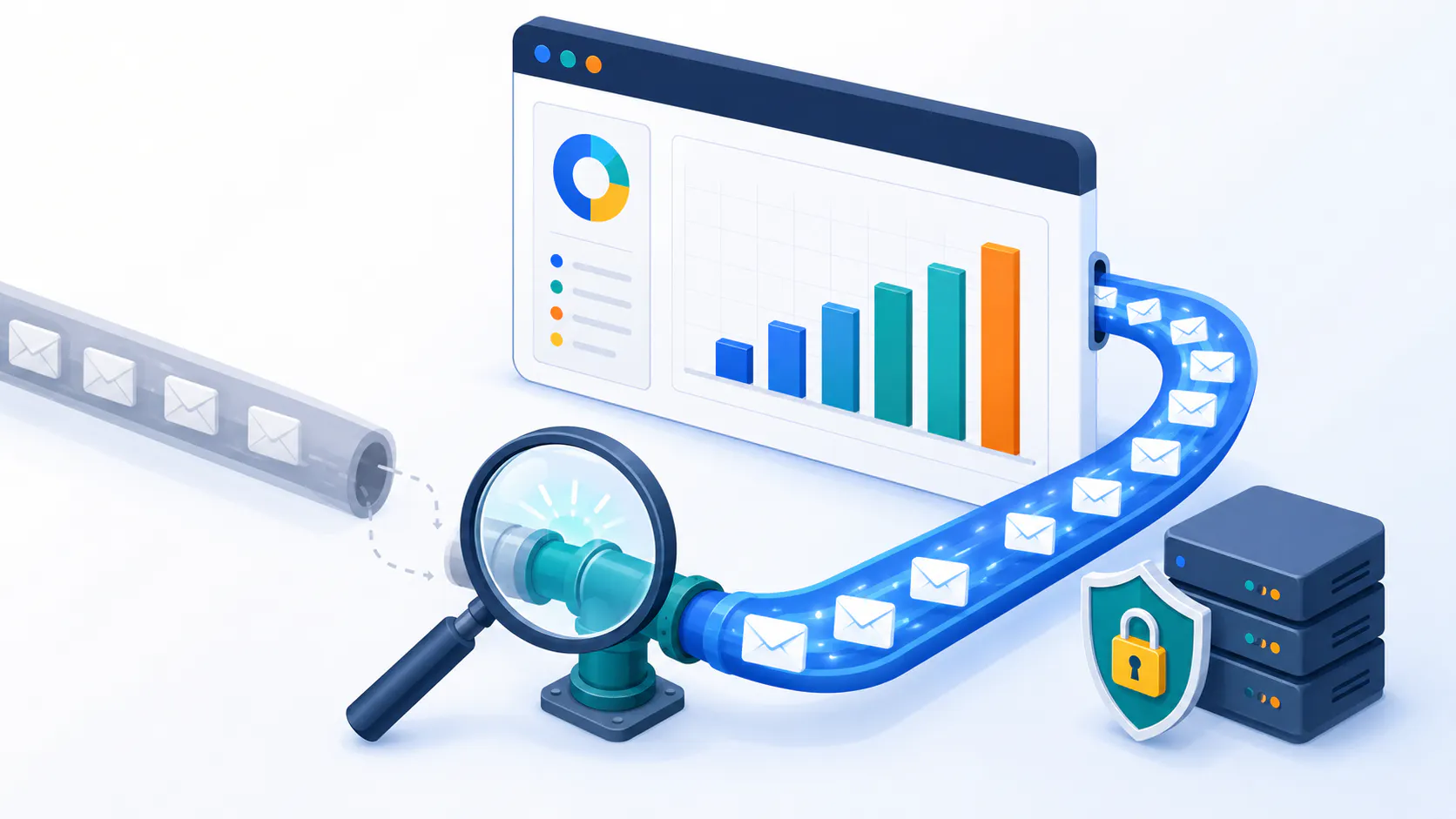
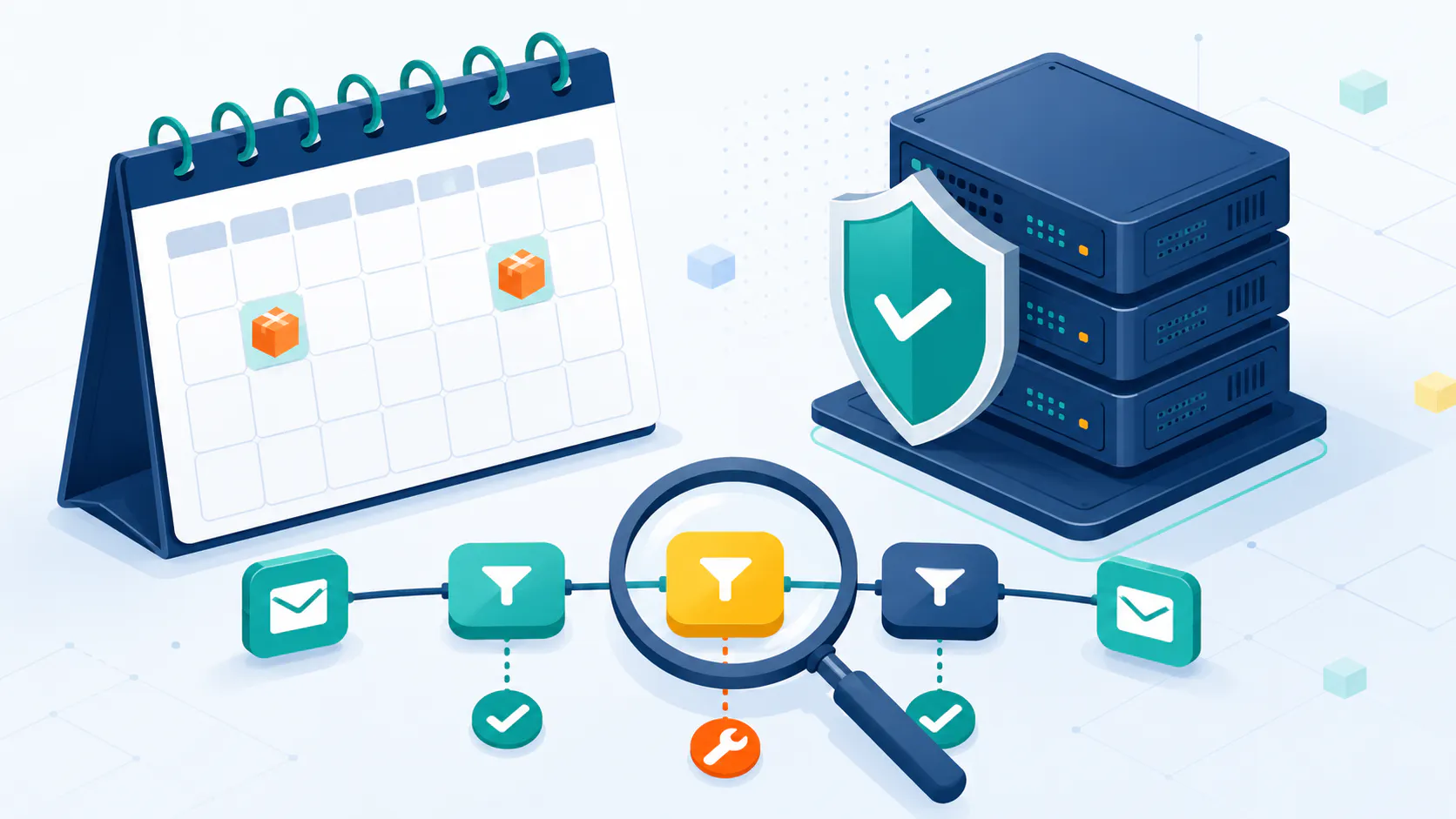
Gmail and Yahoo continue to evolve their email platforms, and staying informed about their latest updates is crucial for email marketing success in 2025. This comprehensive guide provides the insights and strategies you need to navigate the changing landscape and ensure your emails reach your audience effectively.
Adapting to the Latest Email Requirements
You know how important email is for connecting with your audience, right? Well, Gmail and Yahoo are always working to make email safer and more user-friendly. Think of it like this: they’re decluttering their inboxes and making sure only the best emails get through.
So, what does that mean for you as an email marketer in 2025? Basically, you need to be a good sender and play by their rules. Here’s the gist:
Prove It’s Really You: Imagine getting an email from your bank, but it’s actually from a scammer! Gmail and Yahoo are cracking down on that with stricter authentication. It’s like showing your ID to prove you are who you say you are.
Easy Unsubscribe: Nobody likes feeling trapped. Make it super easy for people to unsubscribe if they want to. It’s like giving them a quick exit door – they’ll appreciate the respect, and you’ll avoid getting marked as spam.
Don’t Be Spammy: This one’s obvious, but it’s worth repeating. Keep your emails relevant and engaging, and only send them to people who actually want them. Too many spam complaints, and you’ll end up in the dreaded spam folder.
Clean Up Your List: Just like you tidy up your house, you need to tidy up your email list! Get rid of old, invalid addresses to make sure your emails are reaching real people. Tools like Cleanify.io can help with this.
By following these guidelines, you’ll build trust with your audience and with Gmail and Yahoo. That means more of your emails will land in inboxes, where they belong!
Showing Up Legit: Why Email Authentication Matters
Think of email authentication as a way to prove that your emails are the real deal. It’s like having a security badge that shows Gmail and Yahoo you’re a trustworthy sender, not some spammer trying to sneak into their inbox.
Here’s the lowdown on the key authentication methods you need to know about:
SPF (Sender Policy Framework): This is like giving Gmail and Yahoo a list of approved senders for your domain. It says, “Hey, these are the only servers allowed to send emails on my behalf, so if it’s not from them, it’s probably a fake!”
DKIM (DomainKeys Identified Mail): Imagine sealing your email with a unique digital signature. DKIM does just that, making sure your email content hasn’t been tampered with along the way.
DMARC (Domain-based Message Authentication, Reporting & Conformance): This is like the bouncer at the club. DMARC checks if your emails pass SPF and DKIM, and if they don’t, it tells Gmail and Yahoo what to do (like send them to spam or reject them altogether).
Bonus: BIMI (Brand Indicators for Message Identification)
Want to add a little flair to your emails? BIMI lets you display your brand logo next to your emails in the inbox, but only if you’ve got your authentication game on point. It’s like a VIP pass that shows you’re a serious sender. Here’s how to get BIMI.
Why This Matters
By using these authentication methods, you’re not only protecting your recipients from spam and phishing attempts, but you’re also boosting your sender reputation. And a good reputation means more of your emails will land in inboxes, where they can work their magic!
Want to learn more about email authentication and how to set it up? Email Authentication: SPF, DKIM & DMARC Explained
The Easy Out: Why One-Click Unsubscribe is Your Friend
Think of your email list like a party. You want guests who are excited to be there, not those who are looking for the nearest exit. That’s where the one-click unsubscribe comes in.
It’s simple: make it super easy for people to opt-out of your emails if they want to. No hoops to jump through, no complicated forms to fill out – just one click and they’re off your list.
Why This Benefits Everyone
Happier Subscribers: People appreciate having control. A clear unsubscribe option shows you respect their preferences, leading to a better overall experience.
Cleaner List: When uninterested subscribers leave, you’re left with a more engaged audience. This means better open rates, click-through rates, and ultimately, a higher return on your email marketing investment.
Spam Folder Avoidance: People who can’t easily unsubscribe are more likely to hit that “mark as spam” button. A clear unsubscribe option helps you avoid this, keeping your sender reputation squeaky clean.
Make It Obvious
Don’t hide your unsubscribe link in tiny font at the bottom of your email. Make it clear and easy to find, ideally both at the top and bottom of your message.
Quick Tip: Honor unsubscribe requests promptly (within 2 days) to stay compliant and maintain a positive sender reputation.
Keep It Clean: Why Spam Complaints Matter More Than Ever
Nobody likes a messy inbox, and Gmail and Yahoo are serious about keeping spam out. That’s why they’re paying close attention to how many people mark your emails as spam. Think of it like a popularity contest – the more complaints you get, the less Gmail and Yahoo will like you.
What’s the Magic Number?
While the exact limits can change, aim to keep your spam complaint rate well below 0.1%. That means for every 1,000 emails you send, you should get less than one spam complaint.
Why This Matters
Too many spam complaints can land you in hot water. Your emails might get sent straight to the spam folder, or worse, your sending domain could get blocked altogether. Ouch!
How to Stay Out of Trouble
Send Relevant Emails: This is the golden rule of email marketing. Only send emails to people who have given you permission, and make sure the content is something they’ll actually be interested in.
Segment Your List: Remember that party analogy? You wouldn’t invite your grandma to a rave, right? Segment your list and send targeted emails to different groups based on their interests.
Monitor Your Complaints: Keep an eye on your spam complaint rate like a hawk. If you see it creeping up, take action! Figure out why people are complaining and adjust your strategy accordingly.
Want to learn more about spam scores and how to keep yours low? Continue reading here: What Is Spam Score? How to Lower It & Improve Email Deliverability
The Big Picture: Why These Email Updates Are a Good Thing
It’s easy to think of these Gmail and Yahoo updates as just another set of rules to follow. But they’re actually part of a bigger effort to make email better for everyone.
Think about it: nobody likes getting spammed or scammed. These changes help create a safer, more trustworthy email experience for all of us. And when people trust their inboxes again, they’re more likely to engage with the emails they actually want to receive – like yours!
What’s in It for You?
As an email marketer, these updates, such as the cleanup that happened in December 2024, might seem like a bit of a hassle at first. But trust me, they’re an opportunity in disguise. By adapting to these changes, you can:
Build a rock-solid reputation: When you follow the rules and prioritize user experience, you build trust with both your audience and email providers like Gmail and Yahoo.
Reach the right people: Better authentication and lower spam complaints mean more of your emails will land in inboxes, where they can actually be seen and acted upon.
Create stronger connections: By focusing on relevant and personalized content, you’ll foster deeper relationships with your subscribers and see better results from your email marketing efforts.
In short, these changes are about making email a more valuable and effective communication channel for everyone. And by embracing them, you can take your email marketing to the next level.
Stay Out of the Spam Zone: Your Action Plan
Okay, so you know the rules of the game. Now, let’s talk about how to put them into action and keep your emails out of the spam folder. Here’s your game plan:
Verify Your Identity: Remember those authentication protocols we talked about (SPF, DKIM, DMARC)? Team up with your IT folks or your email platform provider to set those up. It’s like getting your email a verified badge – a sign that you’re the real deal.
Make Unsubscribing Easy: Give your subscribers a clear and simple way to say “no thanks.” A prominent one-click unsubscribe link is key. Think of it as offering a polite exit – it shows respect and helps you avoid spam complaints.
Keep an Eye on Things: Don’t just set it and forget it! Use tools like Google Postmaster and IPMonitor to track your sender reputation and address any issues that pop up. It’s like having a health checkup for your emails.
Content is King (and Queen!): Above all, focus on creating emails that people actually want to read. Make them relevant, engaging, and personalized. Remember, happy subscribers are less likely to mark you as spam.
By following these steps, you’ll not only stay compliant with Gmail and Yahoo’s requirements, but you’ll also build a stronger, more engaged email audience. And that’s what it’s all about, right?
Interested in learning more? Continue to this blog post: Top 14 Ways to Prevent Emails from Going to Spam
Inbox or Spam? The Secrets to Email Deliverability
You’ve crafted the perfect email, but what happens next? Will it land in the inbox where it belongs, or get lost in the spam folder abyss? Email deliverability is a bit like a puzzle, with several pieces that need to fit together just right.
Here’s the good news: you have more control than you might think! By understanding the key factors that influence deliverability, you can increase your chances of reaching your audience.
Your Reputation is Gold: Think of your sender reputation as your email’s credit score. The better your reputation, the more Gmail and Yahoo will trust you. How do you build a good reputation? Send high-quality emails that people actually want to read, and avoid spammy tactics like misleading subject lines or excessive keywords.
Authentication is Key: We’ve talked about this before, but it’s worth repeating. Authentication (SPF, DKIM, DMARC) is like showing your ID to prove you’re a legitimate sender.
Keep Your List Sparkling Clean: A healthy email list is a happy email list. Regularly remove bounced emails, unsubscribes, and spam complaints to keep your list fresh and engaged. Tools like Cleanify.io can help you with this spring cleaning.
Content is Still King (and Queen!): Engaging, relevant content is crucial. Think about what your audience wants to read, and deliver value with every email.
Tech Matters Too: Make sure your mail server is properly configured, including those all-important authentication records. It’s like making sure your car is in good working order before a road trip.
By paying attention to these factors, you can increase your email deliverability and ensure your messages reach the people who matter most – your subscribers!
Gmail’s Authentication Trifecta: SPF, DKIM, and DMARC
Gmail takes email security seriously, and authentication is a big part of that. Think of it as a three-step verification process to prove your emails are the real deal.
SPF (Sender Policy Framework): This is like giving Gmail a guest list for your email domain. It says, “Hey Gmail, these are the only servers allowed to send emails from my domain. If an email comes from someone else, it’s probably a fake!”
DKIM (DomainKeys Identified Mail): Imagine sealing your email with a tamper-proof seal. DKIM does just that, ensuring your email content hasn’t been messed with during its journey to the inbox.
DMARC (Domain-based Message Authentication, Reporting & Conformance): This is like the bouncer at Gmail’s inbox party. DMARC checks if your email passes the SPF and DKIM tests. If not, it tells Gmail to show it the door (aka, send it to spam or reject it).
Show Off Your Brand with BIMI
Got your authentication game on point? Then it’s time to show off your brand! BIMI (Brand Indicators for Message Identification) lets you display your logo next to your emails in Gmail’s inbox. It’s like a little badge of authenticity that builds trust with your recipients.
Why This Matters for You
By implementing these authentication methods, you’re not only improving your email deliverability but also protecting your brand reputation and building trust with your audience. It’s a win-win-win!
Want to learn more about BIMI and how to get that fancy blue verified checkmark in Gmail? Get Gmail’s Blue Checkmark: Your BIMI Verification Guide (2025)
Spring Cleaning for Your Email List: Boost Deliverability and Engagement
Imagine sending a letter to an old friend, but their address is outdated, and the letter gets returned to you. That’s kind of what happens with invalid email addresses – they hurt your sender reputation and can even land you in spam filters.
Just like you declutter your home, it’s essential to clean up your email list regularly. Here’s how to keep your list healthy and engaged:
Bounce Be Gone: Hard bounces are like those returned letters – they signal a problem. Remove them from your list ASAP! (Want to learn more about bounces? [Link to your article on hard and soft bounces])
Verify Those Emails: Not all email addresses are created equal. Some might be fake, outdated, or even spam traps. Use email verification tools like Cleanify.io to weed out the bad apples and keep your list squeaky clean.
The “Snooze” Button for Inactive Subscribers: Got subscribers who haven’t opened your emails in ages? Consider adding them to a “suppressed” list. This gives them a break from your emails (and might even make them miss you!).
Organize and Conquer: Just like organizing your closet makes it easier to find what you need, organizing your email list by interests and engagement levels helps you send more relevant content.
Give Subscribers Choices: Let your subscribers choose what kind of emails they want to receive. A preference center is a great way to do this and can reduce spam complaints.
Start with a Secure Foundation: Use secure signup forms to ensure you’re collecting valid email addresses and that people actually want to hear from you.
By following these tips, you’ll not only improve your email deliverability but also create a more engaged and responsive audience.
Crafting Effective Email Content
Crafting effective email content is critical for improving email deliverability and engaging your subscribers. Here are some tips to help you create compelling emails:
Know Your Audience: Understanding your target audience is the first step in crafting effective email content. Tailor your emails to their interests, needs, and preferences to ensure that your messages resonate with them. This personalization can lead to higher engagement rates and a better reputation.
Use Relevant Subject Lines: Your subject line is the first thing recipients see, so make it count. Use relevant and attention-grabbing subject lines that accurately reflect the content of your email. Avoid using misleading or clickbait subject lines, as these can lead to spam complaints and harm your reputation. If you need help with the creation of great email subject lines, try our AI-Powered Email Subject Line Generator.
Use a Clear and Concise Format: A clear and concise format makes your email content easy to read and understand. Use a well-structured layout with a clear header, body, and footer. Break up your content into short paragraphs and use bullet points or numbered lists to highlight key information.
Avoid Spam Triggers: To improve email deliverability, avoid using spam triggers such as excessive use of keywords, all caps, and misleading subject lines. Instead, focus on providing valuable and relevant content that your subscribers will find useful and engaging.
Include a Clear Call-to-Action: A clear call-to-action (CTA) encourages subscribers to engage with your email. Whether it’s clicking a link, downloading a resource, or making a purchase, make sure your CTA is prominent and easy to follow. This can help increase engagement rates and improve your reputation.
By following these tips, you can create effective email content that engages your subscribers and improves your email deliverability. To discover how to create the perfect email campaign, continue reading here.
Your Email’s Reputation: Why It Matters & How to Shine
In the world of email, your sender reputation is everything. It’s like your online persona – the better your reputation, the more doors will open for you (or in this case, inboxes!).
Gmail and Yahoo are constantly checking your reputation score. A good score means you’re a trustworthy sender, and your emails are more likely to land in the inbox. A bad score? Well, let’s just say you might end up in the spam folder, and nobody wants that!
So, how do you build a stellar email reputation?
Engagement is Key: Think of it like a conversation. If people are opening your emails, clicking on links, and replying, Gmail and Yahoo see that as a good sign. It means your emails are interesting and relevant.
Keep Your List Tidy: Remember that spring cleaning we talked about? A clean email list with engaged subscribers shows you’re serious about sending quality emails.
Listen to Feedback: Set up feedback loops with email providers like Gmail and Yahoo. This allows you to see how many people are marking your emails as spam. It’s like getting constructive criticism – use it to improve your strategy!
Don’t Buy Lists: It might be tempting to take a shortcut, but buying email lists is a big no-no. These lists often contain invalid addresses and uninterested subscribers, which can damage your reputation.
A good sender reputation takes time and effort to build, but it’s worth it. By following these tips, you can ensure your emails get the VIP treatment they deserve!
Avoiding Blacklisting
Blacklisting can have a significant impact on your deliverability, and it’s essential to take steps to avoid it. Here are some tips to help you stay off blacklists:
Use a Reputable Email Marketing Service: Choose a reputable email marketing service that has a good reputation and follows anti-spam rules. A reliable platform like Octeth and Sendloop will help ensure that your emails are delivered to the inbox and not the spam folder.
Maintain a Clean Email List: Regularly clean your email list by removing bounced emails, unsubscribes, and spam complaints. This practice helps maintain a healthy list of engaged subscribers and reduces the risk of your emails being marked as spam.
Avoid Spam Complaints: To avoid spam complaints, send high-quality, relevant content to engaged subscribers who have opted-in to receive your emails. Personalize your emails and ensure that your content is valuable to your audience.
Use a Clear Unsubscribe Link: Include a clear unsubscribe button in your email content to allow subscribers to easily opt-out of future emails. Honoring unsubscribe requests promptly helps reduce spam complaints and maintain a positive reputation.
Monitor Your Email Metrics: Keep an eye on your email metrics, including open rates, click-through rates, and bounce rates. Monitoring these metrics can help you identify any issues with your email campaigns and take corrective action to improve your deliverability.
By following these tips, you can avoid blacklisting and ensure that your emails reach the intended recipients.
Single Opt-in vs. Double Opt-in
Single opt-in and double opt-in are two different methods for collecting email addresses from subscribers. Here’s a closer look at the differences between the two:
Single Opt-in: Single opt-in requires a subscriber to take a single action, such as submitting a form or writing their email address on a list, to become a subscriber. This method is quick and easy, but it can lead to a higher risk of spam complaints and lower deliverability.
Double Opt-in: Double opt-in requires a subscriber to take two actions, such as submitting a form and confirming their email address, to become a subscriber. This method provides an extra layer of verification, ensuring that the subscriber genuinely wants to receive your emails.
Benefits of Double Opt-in: Double opt-in offers several benefits, including improved deliverability, reduced spam complaints, and increased engagement from subscribers. By confirming their email address, subscribers are more likely to be engaged and interested in your content.
Best Practices for Double Opt-in: To implement double opt-in effectively, use a clear and concise confirmation email that explains the next steps. Provide a clear unsubscribe link in the confirmation email to allow subscribers to opt-out if they change their mind. Honor unsubscribe requests promptly to maintain a positive sender reputation.
By understanding the differences between single opt-in and double opt-in and following best practices, you can choose the best method for your needs and improve your email marketing performance.
Conclusion
We’ve covered a lot in this guide, but the key takeaway is this: email marketing is constantly evolving, and staying informed is crucial for success. Gmail and Yahoo’s ongoing updates emphasize the importance of user experience, security, and engagement.
By embracing these changes and implementing the strategies we’ve discussed, you can ensure your emails reach the inbox and make a lasting impact on your audience. Remember to:
Prioritize Authentication: Prove you’re a legitimate sender with SPF, DKIM, and DMARC.
Make Unsubscribing Easy: Respect your subscribers’ preferences with a clear one-click unsubscribe option.
Keep Your List Clean: Regularly remove invalid addresses and inactive subscribers to maintain a healthy list.
Create Engaging Content: Focus on delivering value and relevance with every email you send.
Monitor Your Reputation: Keep an eye on your sender reputation and address any issues promptly.
The email landscape may be changing, but the power of email marketing remains strong. By adapting to the latest requirements and focusing on best practices, you can build stronger connections with your audience, achieve your marketing goals, and thrive in the world of email.
Frequently Asked Questions
How to improve sender reputation? To improve your sender domain and IP reputation, focus on high engagement rates, clean your email list regularly, don’t use purchased lists and set up feedback loops with email providers to monitor and address spam complaints. What are the latest Gmail and Yahoo email updates that impact senders in 2025? Gmail and Yahoo continue to refine their email platforms to enhance security and user experience. Key updates include stricter email authentication protocols, mandatory one-click unsubscribe options, and lower spam complaint thresholds. How can I improve my email deliverability in Gmail and Yahoo in 2025? Focus on building a strong sender reputation by implementing SPF, DKIM, and DMARC authentication, maintaining a clean email list, and sending engaging, relevant content to opted-in subscribers. What are the consequences of exceeding spam complaint thresholds in Gmail and Yahoo? High spam complaint rates can damage your sender reputation, leading to lower deliverability and potentially even blacklisting. Aim to keep your spam complaint rate well below 0.1%. What if my spam complaint rate exceeds the threshold? You must act immediately to review and improve your email content, target only engaged subscribers and monitor your spam rates to prevent further issues. This will get you back in compliance and maintain your sender domain and IP reputation. How can I monitor my sender reputation in Gmail and Yahoo? Use tools like Google Postmaster Tools and Yahoo Feedback Loop to track your sender reputation, monitor spam complaints, and identify areas for improvement.