Hey there! Ever feel like you’re drowning in emails? Spending hours crafting campaigns, segmenting lists, and trying to personalize everything? Octeth’s workflow automation is here to rescue you. This guide will show you how to leverage Octeth to automate your email marketing, freeing up your time and boosting your results. We’ll walk through everything, from the basics of email automation to Octeth’s powerful features and how to use them. Ready to transform your email strategy? Let’s dive in!
What is Email Automation, and Why Do You Need It?
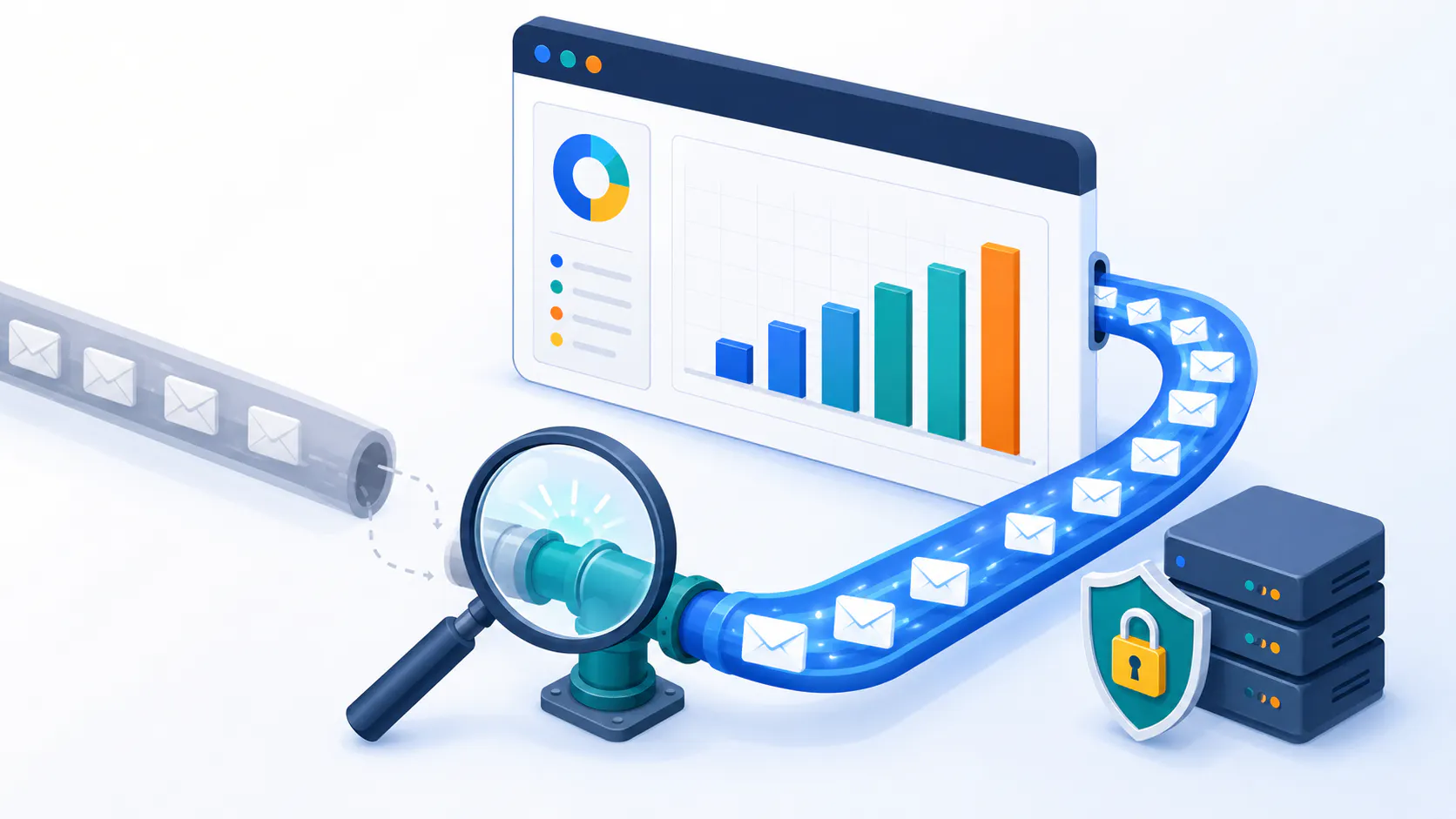
Infographic illustrating the benefits of email automation
Email automation is all about setting up sequences of emails that are sent automatically based on specific triggers. Think of it as a smart, automated system that handles your email marketing for you. Instead of manually sending each email, you create a workflow, and Octeth takes over, sending the right message to the right person at the right time.
Why is email automation so crucial? Because in today’s fast-paced digital world, personalization and efficiency are key. Customers expect tailored experiences, and you need to be able to deliver without spending all your time on email. Automation empowers you to:
Drive conversions: Nurture leads and turn them into loyal customers.
Scale your efforts: Reach a large audience without sacrificing personalization.
Save precious time: Automate repetitive tasks and focus on strategy.
Boost engagement: Send relevant emails at the perfect moment.
Octeth: Your All-in-One Automation Solution
Octeth isn’t just another email automation platform; it’s designed to be intuitive and powerful, even for beginners. It offers a range of features that make creating and managing automated email campaigns a breeze. Let’s explore some of the key highlights.
Unlocking the Power of Behavioral Triggers
Imagine this: a potential customer visits your online store, browses through your products, adds something to their cart, but then… disappears. With Octeth’s behavioral triggers, you can automatically send them a friendly reminder email! These triggers are based on user actions, such as:
Website visits: Send targeted emails based on the pages a user visits. For example, if someone views a specific product category, you can send them related product recommendations.
Purchase history: Automate follow-up emails after a purchase, offering related products or requesting a review.
Email engagement: Trigger emails based on how subscribers interact with your emails. For example, you could send a special offer to subscribers who frequently open your emails.
Segmentation: Speaking Directly to Your Audience
Segmentation is the process of dividing your email list into smaller, more targeted groups based on shared characteristics. Octeth’s advanced segmentation allows you to create highly specific segments based on:
Demographics: Target subscribers based on age, location, gender, etc.
Purchase behavior: Segment based on past purchases, order value, or product preferences.
Engagement level: Identify your most engaged subscribers and reward them with exclusive content or offers.
Why is segmentation so important? Because it lets you send highly relevant emails that resonate with each individual subscriber. This leads to higher open rates, click-through rates, and ultimately, more conversions.
Dynamic Content: The Art of Personalized Messaging
Beyond segmentation, Octeth takes personalization to the next level with dynamic content. This means you can customize individual parts of your emails based on subscriber data. For example, you could:
Personalize product recommendations: Show different products to different subscribers based on their browsing history or past purchases.
Tailor email content: Change the text, images, or calls to action based on the recipient’s preferences.
Dynamically update offers: Show different promotions to different segments of your audience.
Real-World Examples of Octeth Automation in Action
Octeth’s automation capabilities are incredibly versatile. Here are some real-world examples of how businesses are using Octeth to streamline their email marketing and enhance customer engagement:
The Onboarding Welcome Series
A new subscriber signs up for your newsletter. Octeth automatically sends a series of welcome emails, starting with a warm greeting and a thank you for subscribing. Subsequent emails might introduce your brand story, showcase your best-selling products, offer a special discount, or guide them to valuable resources like blog posts or tutorials.
Abandoned Cart Saver
A potential customer adds items to their online shopping cart but leaves without completing the purchase. Octeth triggers an automated email reminding them of their forgotten items and offering a small incentive, like free shipping or a limited-time discount, to encourage them to return and complete the purchase.
Lead Nurturing with Drip Campaigns
You have a lead magnet, like a free ebook or webinar, that captures leads. Octeth automatically enrolls these leads in a drip campaign, delivering a series of emails over time. These emails might provide valuable content related to their interests, showcase customer success stories, or gradually introduce your products or services.
Post-Purchase Engagement
A customer makes a purchase. Octeth immediately sends a confirmation email with order details and tracking information. A few days later, another email arrives requesting a product review or offering customer support resources. Later in the sequence, you might recommend complementary products or invite them to join your loyalty program.
Re-engagement Campaign
Some subscribers haven’t engaged with your emails in a while. Octeth identifies these inactive subscribers and automatically sends a re-engagement campaign. This could include a special offer, a survey to understand their needs, or a reminder of the value you provide.
Event-Triggered Emails
A user registers for a webinar on your website. Octeth automatically sends a confirmation email with the webinar details and calendar reminders. After the webinar, they receive a follow-up email with a recording and additional resources.
Personalized Birthday Greetings
Octeth automatically sends a personalized email to each subscriber on their birthday, offering a special discount or a free gift. This simple gesture can make customers feel valued and appreciated.
Segmented Promotions
You’re having a sale on women’s clothing. Octeth allows you to segment your list based on gender and send the sale announcement only to your female subscribers, ensuring that your message is relevant to the recipient.
Customer Feedback and Surveys
You want to gather feedback on a recent product launch. Octeth automatically sends a survey request to customers who purchased the new product, allowing you to gather valuable insights and improve your offerings.
Octeth’s Lifecycle Automation: Nurturing Customers Every Step of the Way
Octeth helps you guide your customers through their entire lifecycle, from initial interest to loyal advocate:
Lead Nurturing: Build relationships with potential customers by providing valuable content and gradually introducing them to your products or services.
Customer Onboarding: Help new customers get the most out of your product or service with automated onboarding emails.
Retention and Loyalty: Keep your customers engaged with personalized offers, exclusive content, and loyalty programs.
Setting Up Your First Octeth Workflow: A Step-by-Step Guide
Don’t worry, setting up your first workflow in Octeth is easier than you think!
Define Your Goal: What do you want to achieve with this automation? (e.g., welcome new subscribers, recover abandoned carts)
Choose Your Trigger: What action will start the workflow? (e.g., new subscriber, purchase)
Define Your Actions: What emails will be sent, and when? What other actions will be taken? (e.g., tagging subscribers, updating custom fields)
Personalize Your Content: Craft compelling emails that resonate with your audience. Use dynamic content to personalize each message.
Test and Launch: Before you go live, test your workflow to make sure everything works as expected.
Monitor and Optimize: Use Octeth’s analytics dashboard to track your campaign performance and make adjustments as needed.
To make it even easier, watch the insightful video tutorial by Octeth’s founder, Cem Hurturk, as he walks you through setting up your first automation sequence: Watch the Video Tutorial
Octeth’s Analytics: Keeping Your Finger on the Pulse
Octeth’s built-in analytics dashboard provides real-time insights into your campaign performance. Track key metrics like open rates, click-through rates, conversions, and unsubscribe rates. This data helps you understand what’s working and what’s not, allowing you to optimize your campaigns for maximum impact.
Ready to Transform Your Email Marketing with Octeth?
Octeth’s Workflow Automation empowers you to create personalized, automated email campaigns that drive results. Whether you’re a small business owner or a seasoned marketing professional, Octeth can help you save time, boost engagement, and grow your business.
Frequently Asked Questions
What is the easiest email automation software to use? Many email automation platforms can seem complex, but Octeth is designed with user-friendliness in mind. Its intuitive interface and drag-and-drop workflow builder make it easy to create automated email sequences, even for beginners. Plus, Octeth offers helpful resources and support to guide you every step of the way. How to automate email marketing without coding? You don’t need any coding skills to automate your email marketing with Octeth. Its visual workflow builder allows you to create automated sequences with simple drag-and-drop actions. You can set triggers, define actions, and personalize your emails without writing a single line of code. How can I increase my email open rates with automation? Octeth can help you increase your open rates by enabling you to send more targeted and relevant emails. You can use segmentation and behavioral triggers to ensure that your subscribers receive emails that are tailored to their interests. Octeth also allows you to A/B test different subject lines and email content to optimize for higher open rates. How can I improve my email marketing ROI with automation? Email automation can significantly improve your email marketing ROI by increasing efficiency, personalization, and engagement. With Octeth, you can automate tasks like segmentation, personalization, and A/B testing, allowing you to optimize your campaigns for better results. This can lead to higher open rates, click-through rates, and conversions. What’s the best way to save time on email marketing with automation tools? Octeth can save you a tremendous amount of time by automating repetitive tasks like sending welcome emails, following up with leads, and segmenting your audience. This frees up your time to focus on more strategic initiatives like content creation and campaign planning.