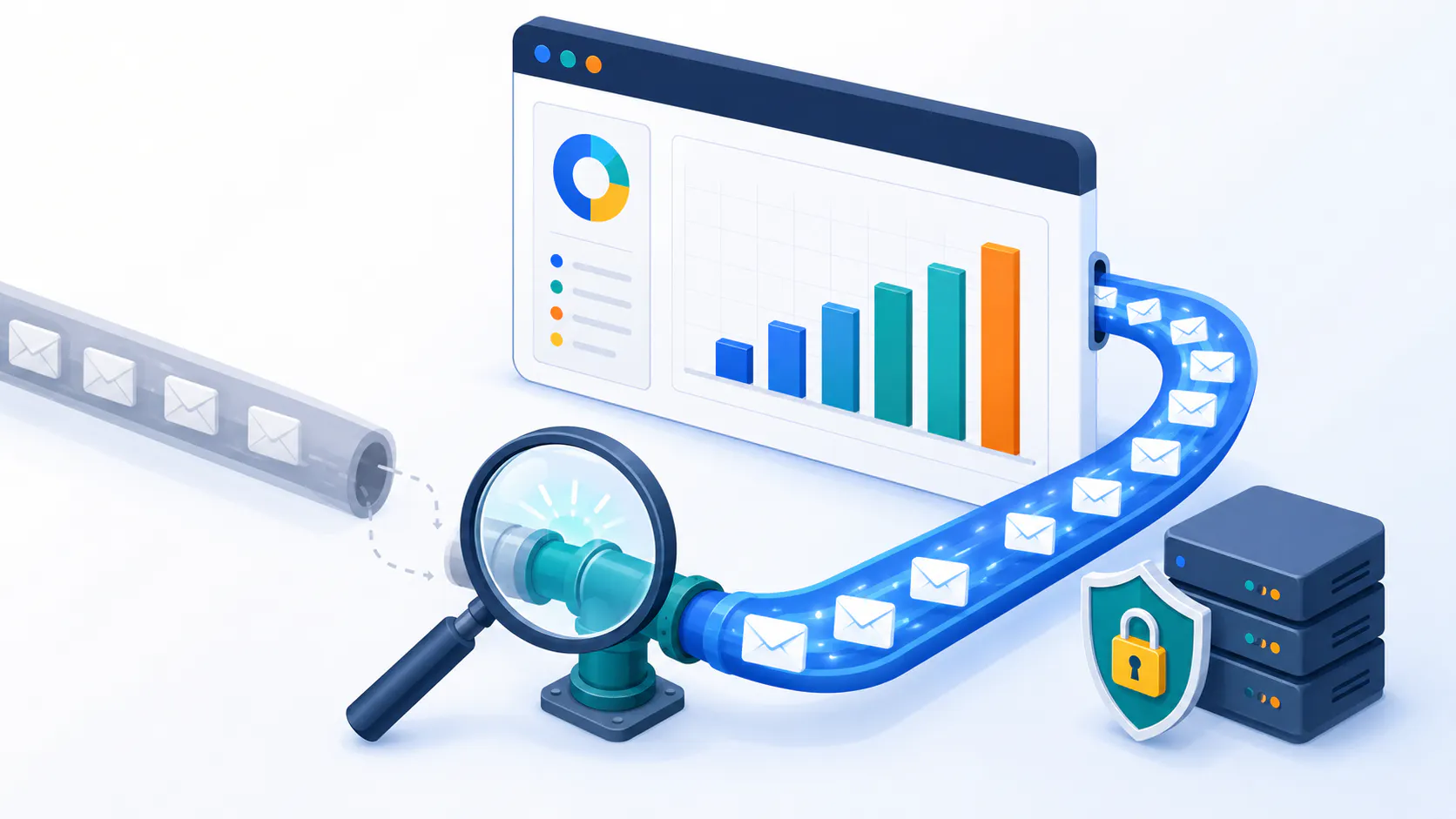
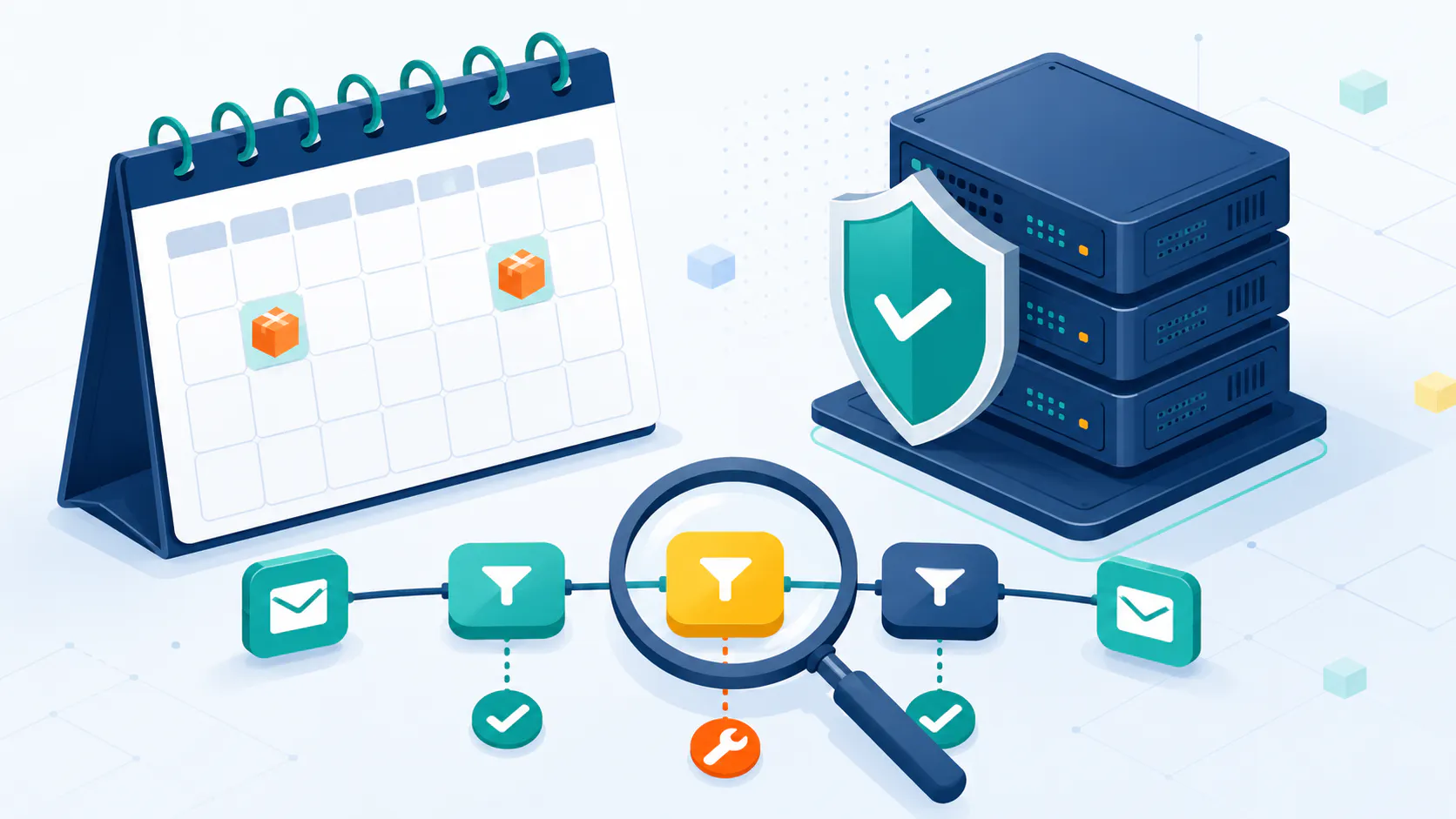
Are your emails ending up in the spam folder instead of reaching your recipients? This guide will help you understand how to prevent emails from going to spam. We’ll cover essential tips and best practices, so your emails can successfully hit the inbox.
Your Checklist for Avoiding the Spam Folder
Want to make absolutely sure your emails land in the inbox, not the spam folder? This checklist is your key to success! It outlines the essential steps from this article to prevent emails from going to spam, covering everything from crafting compelling content to maintaining a stellar sender reputation.
Checklist to Prevent Emails from Going to Spam
This checklist is your quick-start guide to better email deliverability. Keep it handy as you read through this article, and you’ll be well on your way to mastering the art of inbox placement. Ready to dive deeper? Let’s explore each of these points in detail and unlock the secrets to email success!
Understand Email Spam Filters
An illustration showing how spam filters work to filter out spam emails.
Spam filters assess various factors to determine if an email is unwanted. One of the key factors is sender reputation. It is built through consistent sending, low bounce rates, and minimal spam complaints. A strong reputation means your emails are more likely to reach recipients’ inboxes. If your reputation is tarnished, your emails might end up in the junk mail folder. This impacts your open rates and overall email engagement.
Spam filters also look for content-based indicators, such as spam trigger words and poor formatting. Excessive use of exclamation points and special characters can also raise red flags.
Here are some of the most common spam trigger words to avoid:
CategorySpam WordsFinancialFree, money, cash, credit, loan, debt, save, earn, bonus, guarantee, refund, offerUrgency/ScarcityLimited time, act now, expires soon, don’t miss out, last chance, urgentExaggerationAmazing, incredible, sensational, miracle, breakthrough, best, guaranteedSales/MarketingBuy now, order now, click here, sign up free, subscribe, compare, dealMisleadingWinner, congratulations, prize, you have been selected, risk-free
Also, poor formatting, such as all-caps emails, excessive use of colors, and messy HTML code, can cause your emails to go to spam messages. Furthermore, avoiding spam traps is essential to ensure your emails reach the intended inbox. We’ll explain how in the “Clean Your List section.”
Engagement-based filters track recipient interactions to determine email quality. Low engagement can lead to future emails being classified as spam emails. Positive engagement, such as replies and forwards, can help improve your reputation and email deliverability.
Ultimately, spam filters are designed to protect users from unwanted emails and potential threats. Understanding how email spam filter work and the factors they consider can help you adopt strategies to avoid email spam filters and improve your deliverability.
Double Opt-In
Double opt-in is where subscribers confirm their subscription by clicking a link in a confirmation email. This ensures only valid email addresses are added to your list, reducing the risk of sending to incorrect or fake addresses. Double opt-in also gets higher engagement rates as subscribers who confirm their interest are more likely to engage with your content.
In regions like Europe double opt-in is often a legal requirement under GDPR. This regulation requires clear and explicit consent from subscribers making double opt-in a must do for compliance. While this might slightly reduce your initial subscriber count the benefits of better deliverability and a cleaner list far outweigh the small trade off.
Make sure your confirmation email includes a clear call to action, branding and a welcome message. This confirms the subscription and provides an onboarding experience and sets expectations for future communications. Most email marketing platforms have built in double opt-in features for easy implementation and customisation.
Double opt-in means a high quality email list, protects your reputation and complies with legal requirements. This proactive approach builds a loyal and engaged subscriber base.
Build and Maintain Your IP Reputation
Building and maintaining a good sender reputation is key to email deliverability. Email authentication protocols like SPF, DKIM and DMARC are essential to verify the legitimacy of your emails. SPF allows domain owners to specify which IP addresses are allowed to send emails on their behalf reducing the risk of spoofing. DKIM adds a digital signature to your emails so they can’t be tampered with during transit. DMARC provides policies for emails that fail SPF or DKIM checks and enhances email security.
The reputation is measured by metrics like bounce rates, spam complaints, engagement rates (opens and clicks) and blacklisting. High bounce rates and spam complaints damage your reputation so maintaining a clean and engaged list is critical.
Do you have a new dedicated IP addresses? IP warming is recommended for building up the IP address reputation, before you send regular email campaigns. Start by sending to a small highly engaged segment of your list and gradually increase the volume over several weeks. Consistent sending during the warm up period establishes a good sender reputation and avoids triggering spam filters. Looking for a more detailed instructions? Check out our guide here: How to Build and Scale Email Marketing to 5,000 Clicks Per Day: A Complete Technical Guide
Feedback loops (FBLs) are important for maintaining a good sender reputation. FBLs notify you when recipients mark your emails as spam so you can remove those subscribers from your list and reduce spam complaints. Monitor your reputation using tools and services, such as IPMonitor to spot any issues and take action. Consistent sending volume with list maintenance and email authentication gets your emails in the inbox and maintains a good sender reputation.
Write Clear and Honest Subject Lines
Honesty in subject lines is key to building trust with your audience. Misleading subjects get higher spam complaint rates which can send you directly to the spam folder. Avoid spam trigger words and phrases like “100% guaranteed”, “limited time offer” and “miracle cure”. Also avoid ALL CAPS or excessive punctuation marks to avoid triggering spam filters.
Good subjects are clear, concise and compelling and match the content of the email. For example “New Summer Collection Just Arrived!” or “How to Improve Your Email Marketing” are straightforward and engaging. Personalisation can boost open rates but do it carefully to avoid being intrusive.
The length is also important. Long subject lines can get truncated in email clients and look unprofessional or spammy. Keep subjects under 50 characters for best display. Also A/B test different subject lines to see which perform best and optimise your emails.
Don’t forget to use preheader text, the snippet of text that appears below the subject line in some email clients. Use this space to expand on the subject line and provide more context to get the recipient to open the email. For more on subject lines, continue reading here: Boost Opens with the Best Email Subject Lines: Proven Strategies & Examples
Ask Subscribers to Whitelist Your Email
An image depicting a user whitelisting an email address to avoid spam filters.
Whitelisting your email improves deliverability. Provide clear and concise instructions for adding your email address to their address book or safe sender list. For example, “To never miss an update from us, please add our email address [your sender email address] to your address book”.
Put the whitelisting request in strategic places like the welcome email, email signature or a small banner at the top or bottom of your emails.
Highlight the importance of whitelisting by explaining what will happen to valuable content if your emails end up in the spam folder. Consider creating a landing page on your website with whitelisting instructions for all major email providers and link to this page in your emails.
Whitelisting your email means better visibility and your messages will reach their intended recipients.
Create Engaging Content
Good content is key to high email engagement and avoiding the spam folder. Valuable content is informative, relevant and targeted to your audience. For example a software company might share tips and tutorials, a clothing retailer might showcase new products and style guides.
Personalization goes beyond using someone’s name. It’s about understanding their needs and interests and tailoring your content to them. This makes your emails more relevant and engaging. Segmenting your email list allows for more targeted and relevant emails and higher engagement rates.
A clear call to action tells subscribers what to do, whether it’s to visit your website, download a resource or make a purchase. Consistency in sending good content builds a relationship with your subscribers and they will come back for more.
Manage Unsubscribes Effectively
Making it easy for subscribers to unsubscribe is crucial for a healthy email list and your sender reputation. People will find a way to unsubscribe and if they can’t they might mark your email as spam and hurt your deliverability more than an unsubscribe. Include a clear and easy to find unsubscribe link in every email.
Monitor your unsubscribe rates over time. A spike in unsubscribe rate could mean a problem with your email content or strategy. Offer a preference center where subscribers can manage their email frequency or the type of emails they receive, giving them more control and potentially prevent unsubscribes. Unsubscribe instantly and respect their decision. A simple “Why are you unsubscribing?” question gives you feedback to improve your email. Thank them and wish them well.
Use Links Instead of Attachments
Attachments in email can bounce or end up in the spam folder. Spam filters are wary of attachments because they can spread malware and pose a risk to both the sender and the recipient and lead to a flood of spam emails that end up in the spam folder.
Instead of attachments, use links or call-to-action buttons. Link to files on your website or cloud storage (Google Drive, Dropbox), embed videos in the email or link to them on YouTube or Vimeo. These reduce the risk of spam filtering and improve deliverability. It can also help prevent inbox clipping.
While there might be rare cases where attachments are necessary (e.g. legal documents or contracts), they should be the exception, not the rule. If you must use an attachment, keep it small and use a common file type (PDF or DOCX). Password protection and secure file transfer can also help.
Comply with Anti-Spam Laws
An infographic summarizing key anti-spam laws and regulations.
Compliance with major anti-spam laws like the CAN-SPAM Act, GDPR, and CASL is crucial for email marketing. These laws say that recipients can opt-out at any time and businesses have to honour those requests. Breaking these will get you in trouble and damage your reputation.
Complying with anti-spam laws helps you avoid legal issues, keeps your reputation of sender high and email deliverability good. Double opt-in makes sure subscribers are clear with you and meets legal requirements.
To stay compliant add a clear and visible unsubscribe link to every email, provide a physical address and get explicit consent from subscribers. Monitor and adapt to changing data privacy laws to stay compliant and protect your brand.
Optimize Text and Image Ratio
Maintaining a balanced text-to-image ratio in your emails is crucial for avoiding spam filters. Spam filters often flag emails with excessive images or very little text because spammers typically use image-heavy emails to hide spammy text. The recommended text to image ratio is 80% text and 20% images. Your emails should be visually appealing and pass the spam filters.
A balanced text to image ratio is good for readability and engagement. People will read and interact more with well structured emails that are easy on the eyes. Having at least 400 characters of text also optimizes deliverability and makes sure your message gets through even if the images are blocked by the email client.
Responsive design is important. Use responsive email templates that adapts to different screen sizes so your emails look good on desktop and mobile devices regardless of the text to image ratio. This gives a better user experience and keeps your audience engaged.
Clean Your Email List Regularly
Cleaning your email list is key to a good sender reputation, better email deliverability, and staying out of the spam folder. Sending to inactive subscribers means high bounces and spam complaints and damages your reputation of sender. 31% of subscribers change their email address within a year so it’s important to keep your list up to date.
To clean your list, start by using your email marketing platform’s segmentation tools to identify inactive subscribers. Consider subscribers inactive if they haven’t engaged with your emails for at least 6 months. Before removing them, send a re-engagement campaign to try to win them back. Offer a special incentive or just ask if they still want to receive your emails. If they don’t respond remove them from your list.
List validation services, such as Cleanify.io, can also identify invalid or risky email addresses and spam traps to further clean your list and improve deliverability. Spam traps are email addresses used by internet service providers and anti-spam organizations to identify and block spammers. If you send emails to a spam trap, it can severely damage your reputation.
Cleaning your list regularly improves deliverability, saves you money by not paying to send to uninterested people and improves your email metrics by focusing on engaged subscribers and gives you a better picture of your audience.
Test Emails for Spam Scores
Spam scores are numerical values assigned to emails by spam filters, indicating the likelihood of an email being spam. Lower scores are better, signifying a lower risk of being flagged as spam. Email checkers analyze your email content, including the subject line, body, HTML code, and links, to identify elements that might trigger spam filters.
Understanding spam scores is key to improving deliverability. A good spam score threshold typically depends on the specific tool or service you’re using, but in general, a score below 5 is often considered safe, while anything above 5 could be considered spammy. For example:
- 0-2: Generally considered safe.
- 3-5: May require closer inspection; it’s borderline.
- 6+: Likely considered spam or very suspicious.
Improving spam scores can mean removing spam trigger words, simplifying HTML code and making sure your links aren’t blacklisted. Testing your emails for spam scores before sending to your entire list helps you find and fix potential issues and protect your sender reputation and deliverability.
Tools like Mail-tester.com and SpamAssassin are the popular options for spam score testing.
Monitor Your Email Metrics
Monitoring your email metrics is key to finding problems and improving your emails. Key metrics to track are open rates, click-through rates (CTR), bounce rates, spam complaints and unsubscribe rates. These will give you an insight into how your emails are performing and if you need to make adjustments to improve deliverability and engagement. Where can you find these key email metrics? Usually directly on your dashboard of your chosen email service provider.
Interpreting these metrics will tell you what good or bad looks like. For example a low open rate means your subject lines need work, a high bounce rate means your list is not good quality. High spam complaints means your content is perceived as spammy or irrelevant. All this will lead to your emails ending up in the spam folder.
Improving email performance involves several tactics such as segmenting your list for more targeted emails, personalising your content, A/B testing different subjects or calls to action and cleaning your email list regularly. Email marketers can use email marketing platform’s analytics dashboard or other tools to track these metrics and make data driven decisions on your emails.
Implement Email Authentication Standards
Spoofing is a big problem where spammers forge the sender address to make an email look like it’s coming from you. This can trick people into opening malicious emails or handing over personal info. Implementing email authentication standards like SPF, DKIM and DMARC will stop spoofing and ensure your emails are delivered safely. Also, most email service providers require you to use these protocols in order to even be able to start sending email campaigns.
SPF allows you to specify which IP addresses are allowed to send emails on your behalf, reducing the risk of spoofing. DKIM adds a digital signature to your emails, so they can’t be tampered with during transit. DMARC tells you what to do with emails that fail SPF or DKIM checks, so you can keep your emails secure and protect your brand.
Properly configured DKIM, SPF and DMARC records will prevent your emails from being marked as spam. These authentication protocols will improve email deliverability and build trust with your audience and protect your brand from cyber threats.
Summary
By understanding how email spam filters work and implementing these 14 tips, you can significantly improve your email deliverability and prevent emails from going to spam. From building and maintaining your IP reputation to creating engaging content and complying with anti-spam laws, each step plays a crucial role in avoiding the spam folder.
Take action today by adopting these best practices, and watch as your email engagement and deliverability soar. Remember, a proactive approach to email marketing not only protects your sender reputation but also fosters trust and loyalty with your audience. Happy emailing!
Frequently Asked Questions
How to avoid spam filters for newsletters?
To avoid spam filters for newsletters, ensure your content is relevant and engaging, maintain a clean email list, and use email authentication methods like SPF, DKIM, and DMARC.
How to prevent emails from going to spam in 2025?
In 2025, preventing emails from going to spam will involve staying updated with the latest email authentication protocols, maintaining a strong sender reputation, and continuously monitoring engagement metrics.
What are the best practices for email marketing spam filters?
Best practices include using double opt-in for subscriber lists, personalizing content, segmenting your audience, and regularly testing emails for spam scores. Avoid misleading subject lines and ensure compliance with anti-spam laws like the CAN-SPAM Act and GDPR.
How to improve email deliverability for cold emails?
Focus on building a high-quality list of prospects and crafting personalized, value-driven content. Ensure your sending domain is authenticated and warmed up.
How to check if my email is being flagged as spam?
You can use tools like Mail-tester.com or SpamAssassin to analyze your email content and check for spam triggers. Monitor your email metrics for high bounce rates or spam complaints, and consider feedback from email service providers to identify issues.
Why are my transactional emails going to spam folder?
Transactional emails may go to junk folder due to poor sender reputation, lack of email authentication, or content that triggers spam filters. Ensure your emails are correctly authenticated, maintain a clean sending list, and avoid using spammy language or excessive images.
What is the impact of email engagement on spam filters?
Email engagement significantly impacts spam filters, as high engagement rates (opens, clicks, and replies) signal to email providers that your content is valuable. Low engagement can lead to emails being marked as spam, affecting your reputation of sender and deliverability.